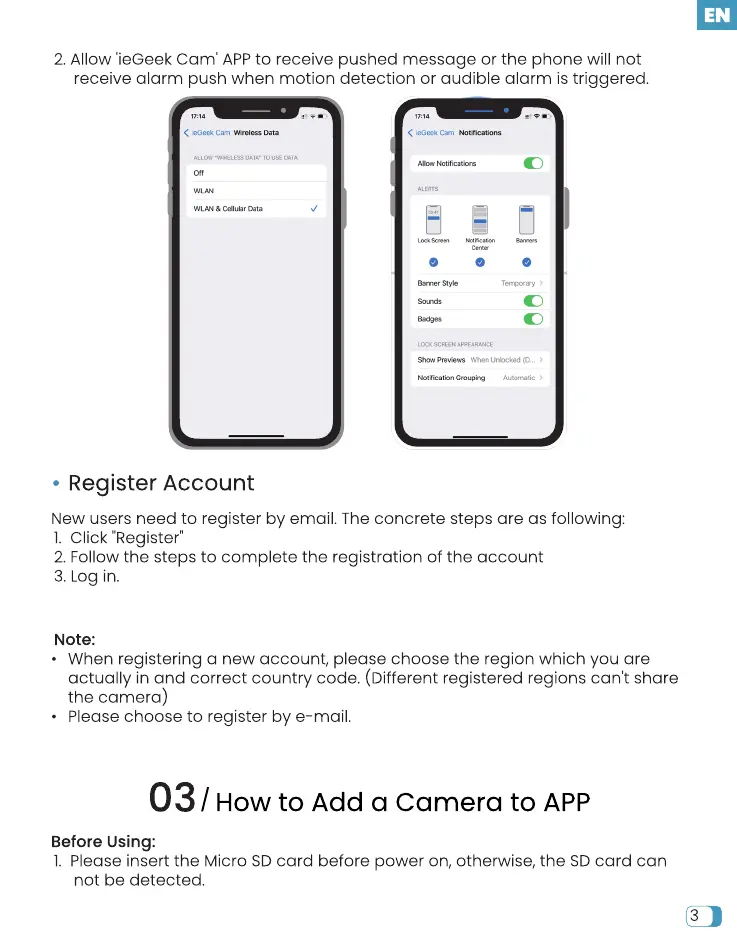
2.Allow 'ieGeek Cam' APPto receive pushed message or the phone will not
receive alarm push when motion detection or audible alarm is triggered.
< Cam Data
MAN Data
Register Account
Alb" t•btificat ions
O O o
u n& ked
New users need to register by email. The concrete steps are as following:
I. Click "Register"
2. Follow the steps to complete the registration of the account
3. Log in.
Note:
• When registering a new account, please choose the region which you are
actually in and correct country code. (Different registered regions can't share
the camera)
• Please choose to register by e-mail.
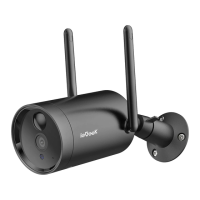
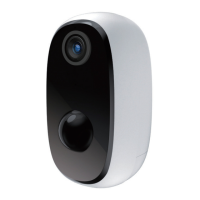
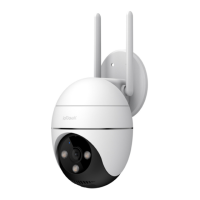
03/ How to Add a Camera to APP
Before Using:
I. Please insert the Micro SD card before power on, otherwise, the SD card can
not be detected.


 To Next Page