4EN
/
WHAT ELSE DO YOU NEED?
Installation Tips
/
/
02
03
①
The NVR (NVR, Network Video Recorder, the main box) is like
a desktop PC, you only need a display for it.
Tips:
Display could be a PC monitor or a TV, with either VGA, or
HDMI video input port.
②
Internet connection. Like a PC, you can use it without
Internet; but with Internet connection, you can have the
system's full capabilities. Hardwire the NVR via network
cable to your router to get network.
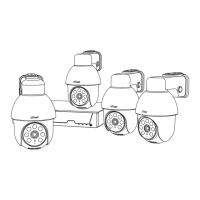
①
Package includes
After the item is received, please check all products and
accessories according to the package Includes description.
If anything is missed or damaged, please contact us.
②
A test run
The cameras require mounting and power cabling in some
situations .
To save your time and make sure all devices work well, we
suggest a test run of all devices IN THE SAME PLACE before
installation. Follow the steps in
《
NVR/Camera/Screen
Connection
》
to run the system. If everything works well, you
can then go ahead and mount cameras to where you want.
If there is any exception, please contact ieGeek support or
your vendor.


 To Next Page
 Loading...