10EN
/
APP DOWNLOAD AND
CAMERA SETTINGS
/
10
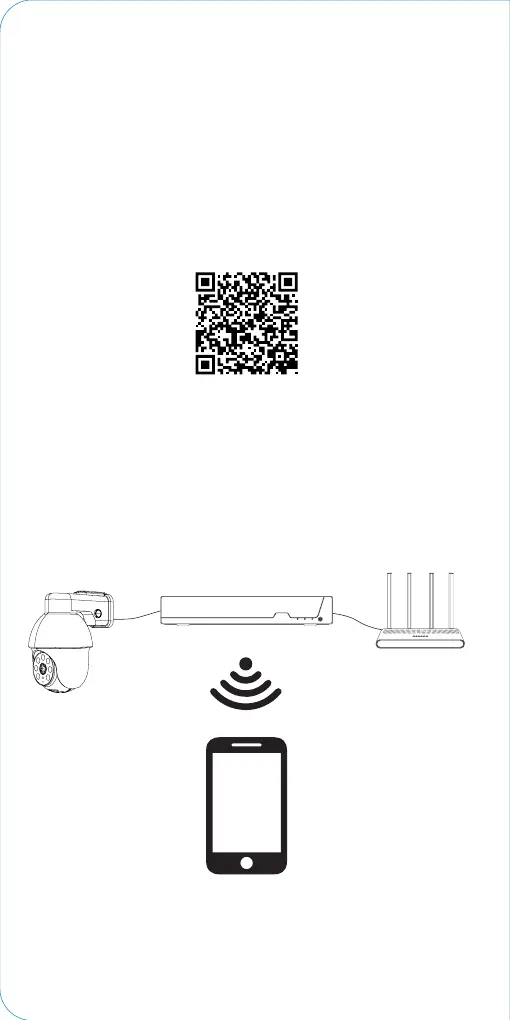
Step1 Download “ieGeek Cam”APP
Search "ieGeek Cam" or "Cloudedge" in the App store or
Google Play,or scan below QR Code to download and install it
on smart phone.
<Tip > "CloudEdge" is available for both iOS and Android
operation systems.
ieGeek Cam
Set up router
1. If you want to connect NVR to App, you need to connect the
NVR to router with network cable rst.
2. Your phone App and NVR should be in the same network
segment. Please select a suitable router before the
connection.


 To Next Page