11
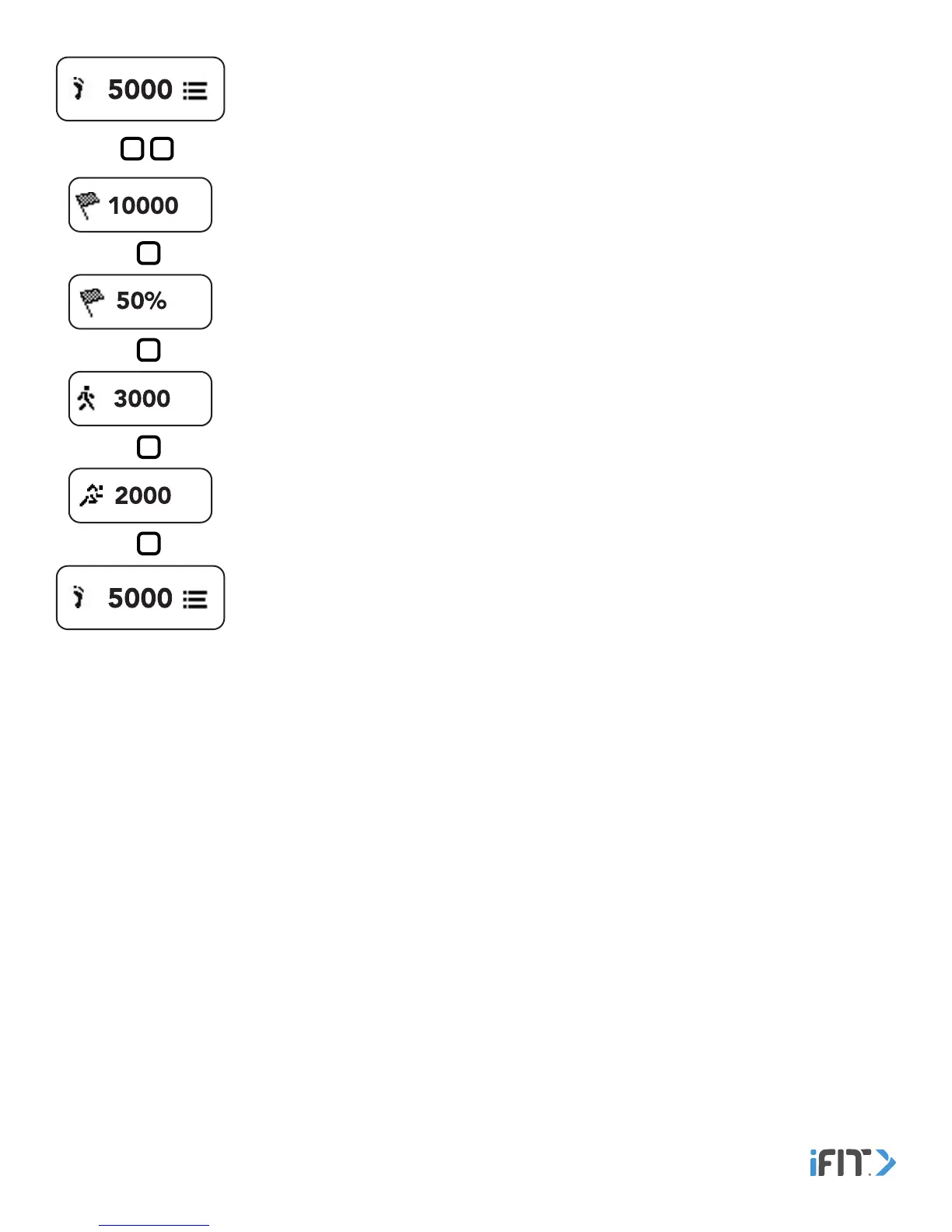
Steps—This screen displays the total number of steps you have taken. Double tap the button
to view your steps goal status, your steps goal percentage, the number of steps you have
walked, and the number of steps you have run. The screen will advance automatically every few
seconds; tap the button repeatedly to view the screens more quickly.
Note: Because your hands are not moving, the tracker pod may not count your steps as
accurately when you are performing activities such as pushing a lawn mower, stroller, or
shopping cart.


 To Next Page