2. The flat cable must be cut and plugged as requested,if it isn’t clear enough,there are
high-definition photo in BBS to be referred;
3. If 8585 and 8586 can’t be read,please ground the 100pin of the chip.
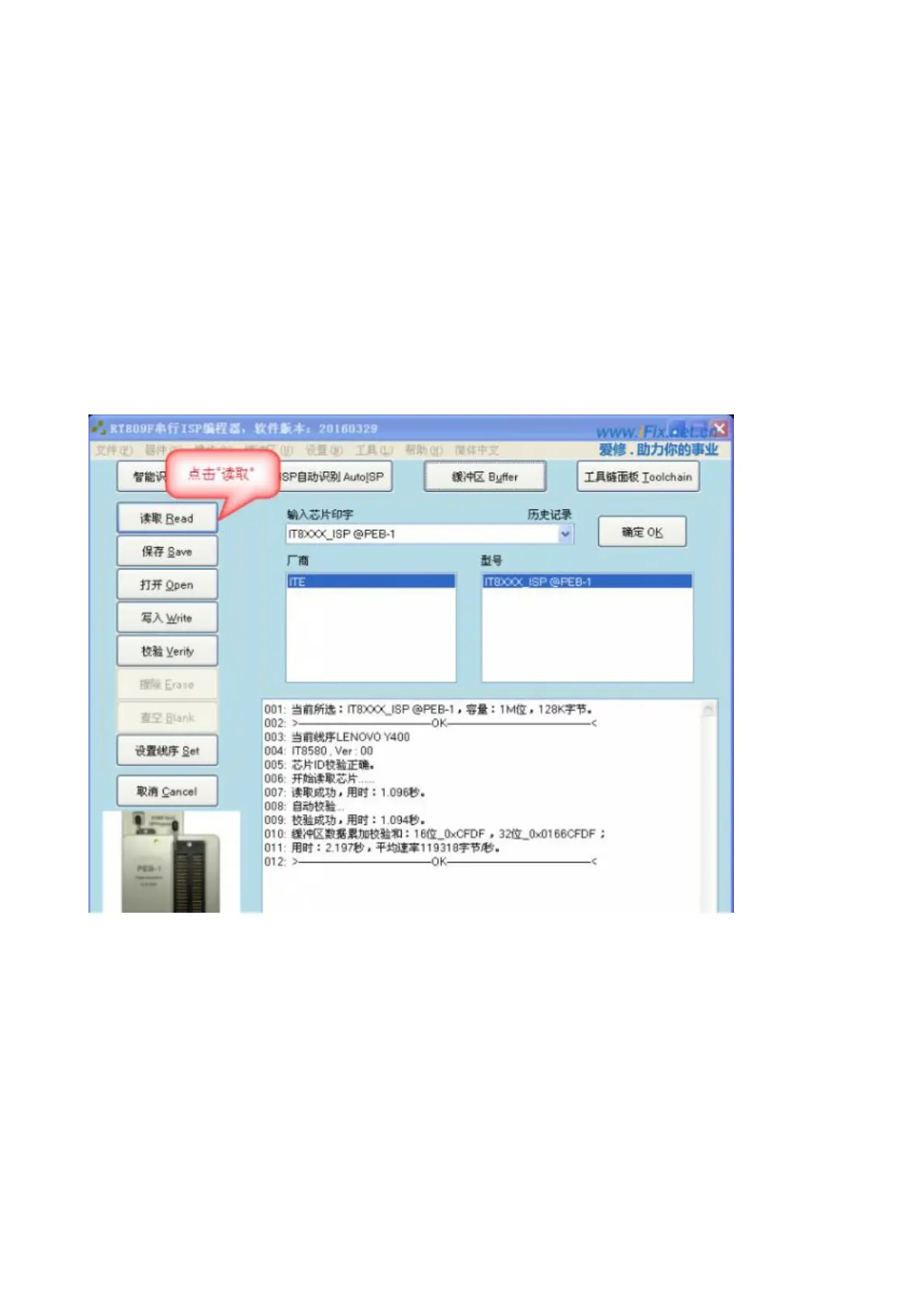
4. Choose the right type and set the right line sequence,then click “Read” and charge the
mainbaord ;
5. Some boards fail in connecting,please interrupt the charge and connect again,this kind of chip
need to catch the ISP ENTER signal when power on.
4.6.1 Reading data
Charge the mainboard after clicking “Read”;



 To Next Page