Refer to 93 chip to save and open the file.
4.15 RT809F Checking the Printing Information of LCD Board
4.15.1 Software Setting
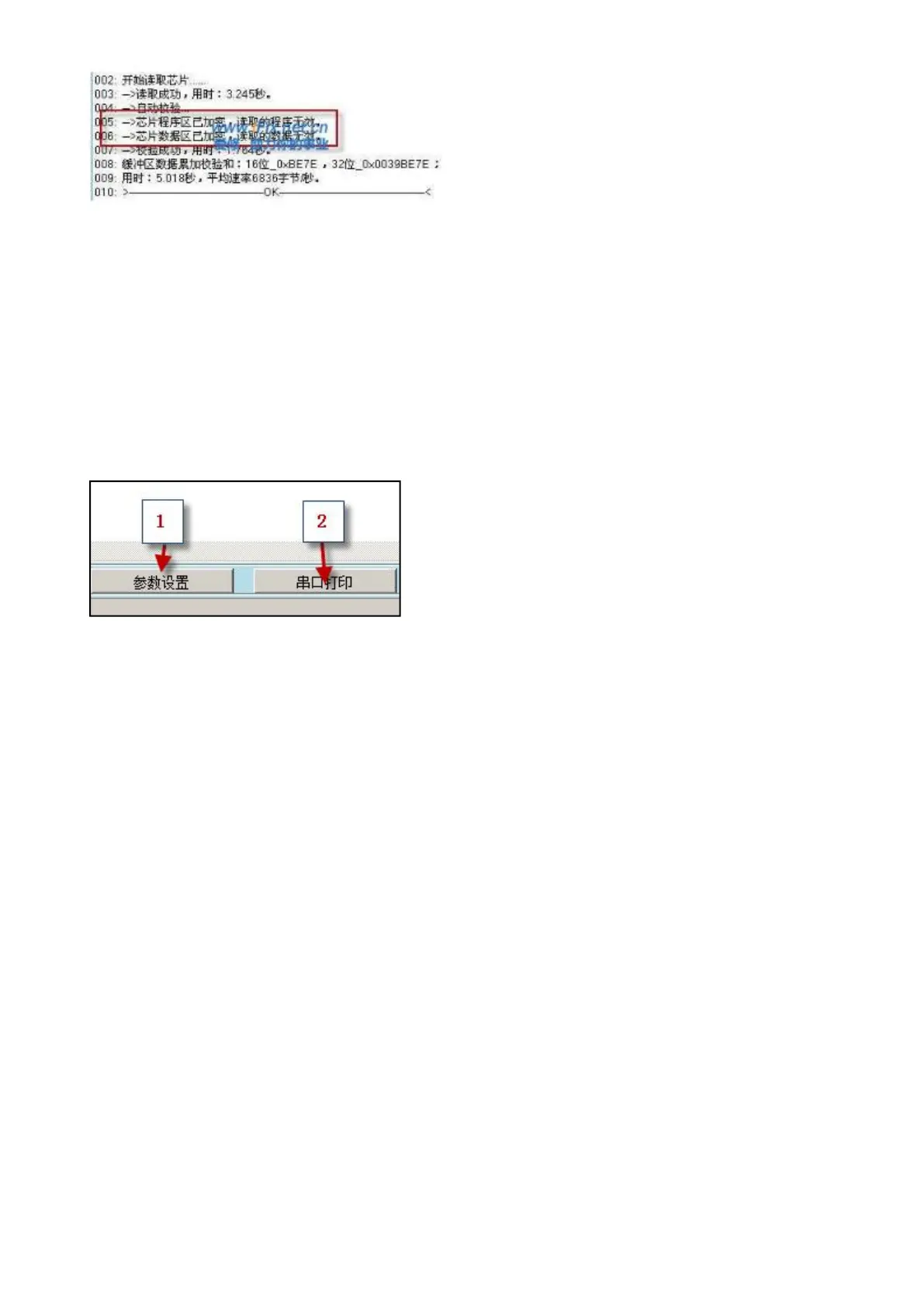
Open the software,there are two icon at the bottom right corner,like the following picture:
VGA lines sequence type : Choose the different lines sequences according to different
mainboards,or you can press the button to see the light,different situation
corresponds different line sequences(there is instruction before).
Serial port speed rate adjustment : It will show messy code without correct adjusting,please
save after adjusting well.



 To Next Page