5
UK
4.2 Switching function
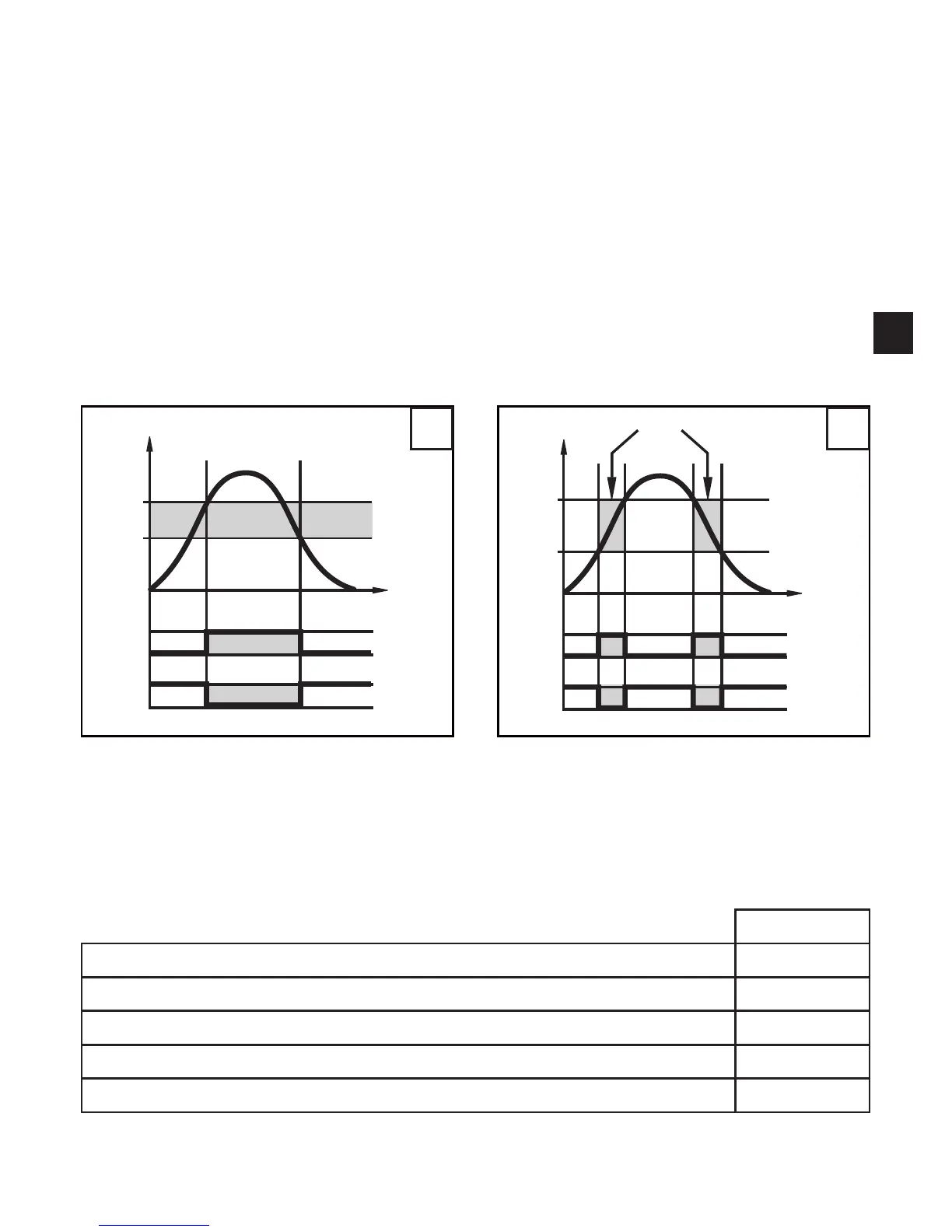
OUTx changes its switching state if it is above or below the set switching limits
(SPx, rPx). The following switching functions can be selected:
Hysteresisfunction/normallyopen:[OUx]=[Hno](→fig.1).•
Hysteresisfunction/normallyclosed:[OUx]=[Hnc](→fig.1).•
First the set point (SPx) is set, then the reset point (rPx) with the requested differ-
ence.
Windowfunction/normallyopen:[OUx]=[Fno](→fig.2).•
Windowfunction/normallyclosed:[OUx]=[Fnc](→fig.2).•
The width of the window can be set by means of the difference between SPx and
rPx. SPx = upper value, rPx = lower value.
1 2
T = system temperature; HY = hysteresis; FE = window
5 Installation
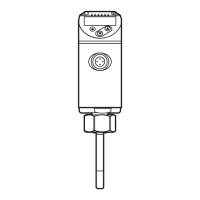
Connect the unit to a temperature sensor and fix it with the help of mounting accessories. ►
The following components are available as accessories
order no.
Mounting set for direct connection of temperature sensors TT E30017
Mounting clamp Ø 34 mm, PBT E10017
Mounting clamp Ø 34 mm, PA E10193
Mounting device 2 way, POM E30078
Mounting device 3 way, POM E30079



 To Next Page