94
ifm Programming Manual BasicDisplay CR0452 v03.02 05 / 2018
ifm function elements ifm function elements for the device CR0452
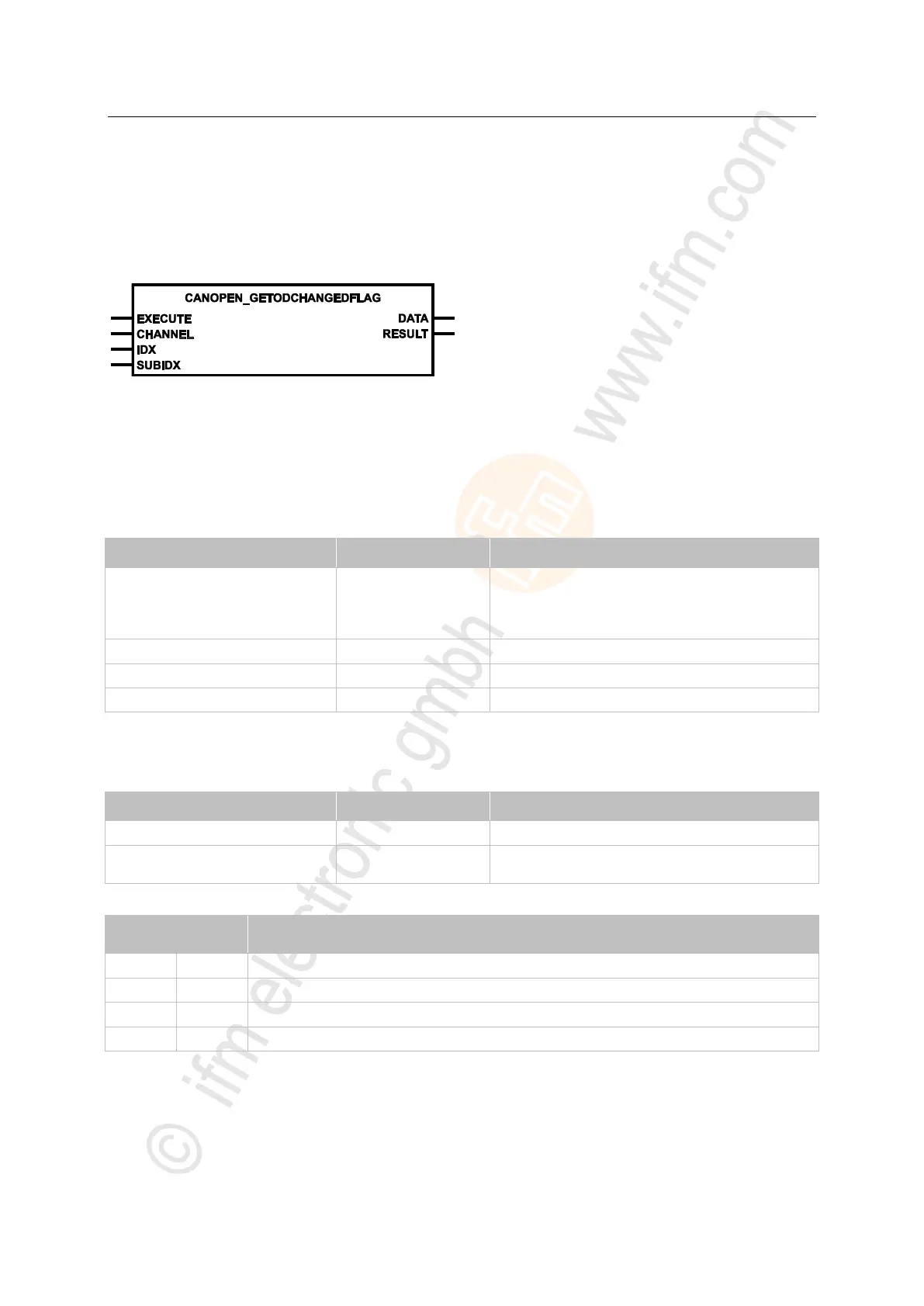
CANOPEN_GETODCHANGEDFLAG
7927
= Get object directory changed flag
Unit type = function block (FB)
Unit is contained in the library ifm_CANopen_NT_Vxxyyzz.LIB
Symbol in CODESYS:
>
Description
7928
CANOPEN_GETODCHANGEDFLAG reports any change of value for a particular object directory
entry.
>
Parameters of the inputs
7930
FALSE TRUE (edge):
execute function element once
otherwise: function element is not active
A function element already started is processed.
CAN interface (1...n) depending on the device
index in object directory
sub-index referred to the index in the object directory
>
Parameters of the outputs
7931
feedback of the function block
(possible messages → following table)
Possible results for RESULT:
function block execution completed without error
FB is active – not yet processed
Error: setting is not possible


 To Next Page