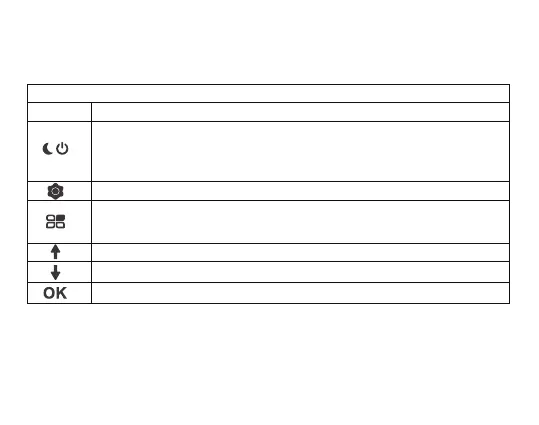
Button Function
★ Playback Mode
Press this button for 3s to power on and off
In standby status, video and photo mode, this button is used for night vision
light switch
Whether delete this file or not
In playback mode, simply press the mode button once to enter the
video mode
In playback mode, press this button to select the last video or picture
In playback mode, press this button to select the next video or picture
Play/Pause Video File
7



 To Next Page