11.
1.
2.
3.
4.
5.
6.
7.
8.
9.
10.
11.
1.
2.
3.
4.
5.
6.
7.
1.
2.
3.
4.
5.
6.
7.
8.
9.
10.
11.
1.
2.
You can continue with theinstallation procedure.
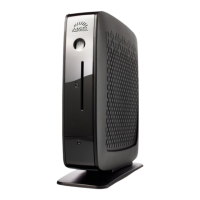
UD6 (H830C)
Power up the device while pressing the [Del]button repeatedly in rapid succession.
SelectSCU.
If a password prompt is shown, enter the BIOS password.
Select theBoottab.
SetUSB Bootto<ENABLED>.
Save the settings and exit.
Connect the USB stick to the device.
Reboot the device while pressing the [Del]button repeatedly in rapid succession.
SelectBoot Manager.
Select the USB stick as the boot medium and pressEnter.
You can continue with theinstallation procedure.
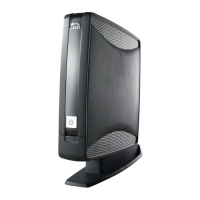
UD5 (H830C)
Power up the device while pressing the [Del]button repeatedly in rapid succession.
If a password prompt is shown, enter the BIOS password.
Select theBoottab.
SelectBoot Options Priorities.
Select the entry for the USB stick and move it to the first position using the [+]key.
Save the settings and exit.
You can continue with theinstallation procedure.
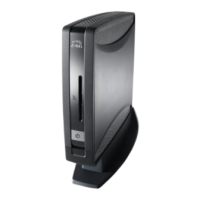
UD3 (M350C)
Power up the device while pressing the [Del]button repeatedly in rapid succession.
If a password prompt is shown, enter the BIOS password.
Select Setup Utility.
Select theBoottab.
SetUSB Bootto<ENABLED>.
Save the settings and exit.
Connect the USB stick to the device.
Reboot the device while pressing the [Del] button repeatedly in rapid succession.
SelectBoot Manager.
Select the USB stick as the boot medium and pressEnter.
You can continue with theinstallation procedure.
UD3 (M340C)
Power up the device while pressing the [Del]button repeatedly in rapid succession.
If a password prompt is shown, enter the BIOS password.


 To Next Page