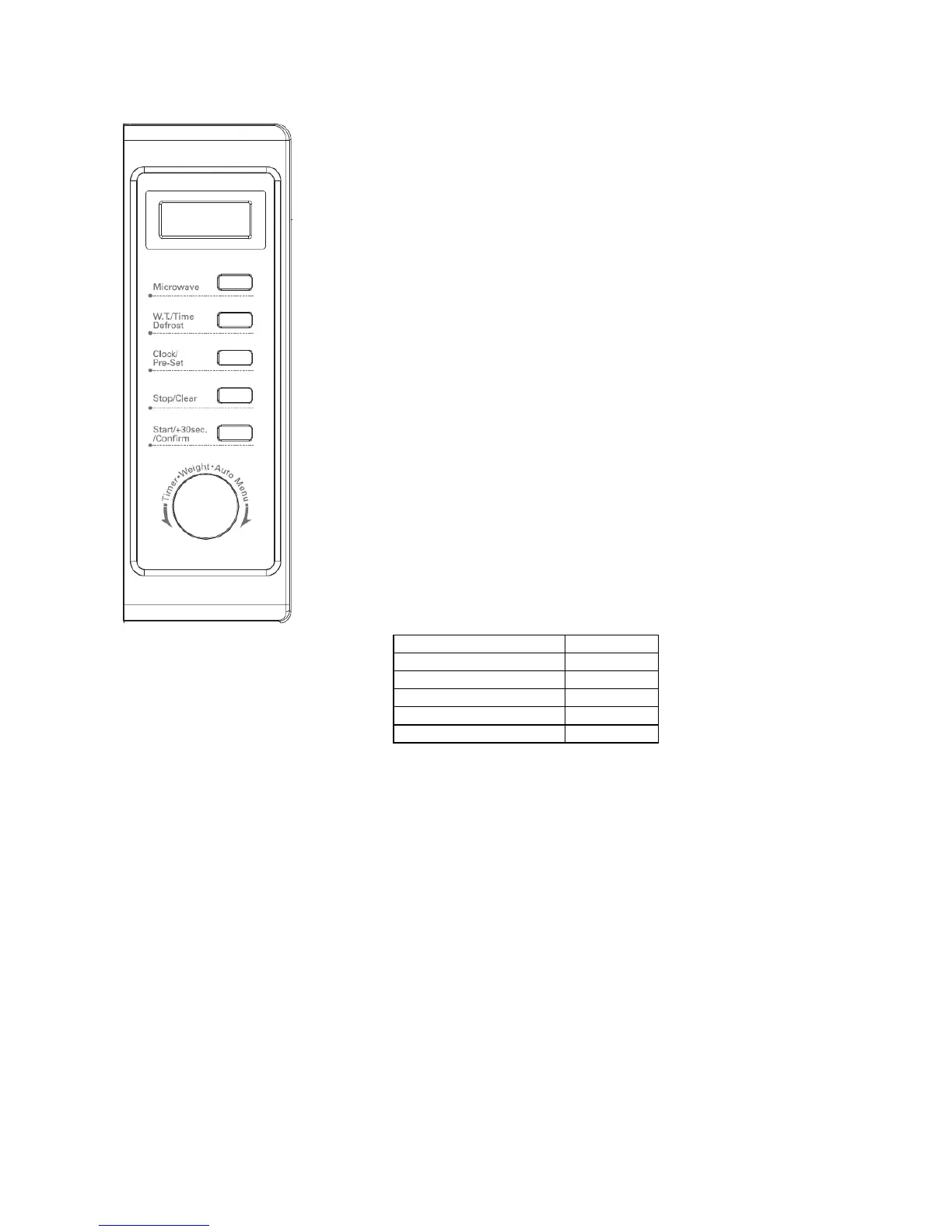
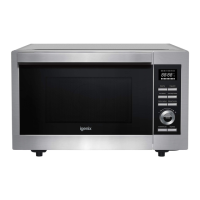
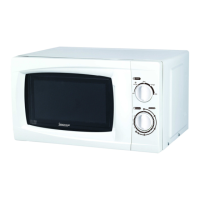
Control Panel
Operation Instructions
Each time you press a button a beep will sound.
Setting the Digital Clock
Before the first use, the digital clock will need to be set with the correct time,
otherwise the microwave will not function. To start with the display will show
‘0:00’
1. Press ‘CLOCK/ PRESET’ button once. The hour figure will flash
2. Turn the control dial to adjust the hour figure. The time options will be
between 0-23.
3. Press ‘CLOCK/ PRESET’ button again. The minute figure will flash.
4. Turn the control dial to adjust the minute figure. The time options will be
between 0-59.
5. Press ‘CLOCK/ PRESET’ to confirm the setting.’ : ‘ will flash.
Microwave Cooking
The Microwave has 5 different output settings that can be selected before
cooking.
1. Press the ‘MICROWAVE’ button once and ‘P100’ will display
2. Turn the control dial to select the desired microwave power. Please see
table below.
3. Press ‘START/+30SEC./CONFIRM’ to confirm your choice
4. Turn the control dial to adjust the cooking time. The time can be adjusted
from 0:05 to 95:00.
5. Press ‘START/+30SEC./CONFRIM’ to start the cooking.
Speedy Cooking
1. Press ‘START/+30SEC./CONFIRM’ button to cook with 100% power level for 30 seconds. Each press of
the same key will increase the cooking time by 30 seconds. The maximum cooking time is 95 minutes.
2. When you are using the microwave in a setting from the auto menu or weight defrost cooking time
cannot be increased by pressing the ‘START/+30SEC./CONFIRM’ button.
Auto Defrost
The oven allows the defrosting of meat, poultry, and seafood. The time and the defrosting power are
adjusted automatically once the weight is programmed.
Defrost by Weight
1. Press ‘W.T./TIME DEFROST’ button once. The screen will display ‘dEF1’
2. Turn the control dial to select the food weight. The range of weight is between 100-2000g.
3. Press ‘START/+30SEC/CONFIRM’ button to start defrosting.
Defrost by Time
1. Press ‘W.T./TIME DEFROST’ button twice. The screen will display ‘dEF2’
2. Turn the control dial to select the defrosting time. The maximum defrosting time is 95 minutes.
3. Press ‘START/+30SEC/CONFIRM’ button to start defrosting.


 To Next Page