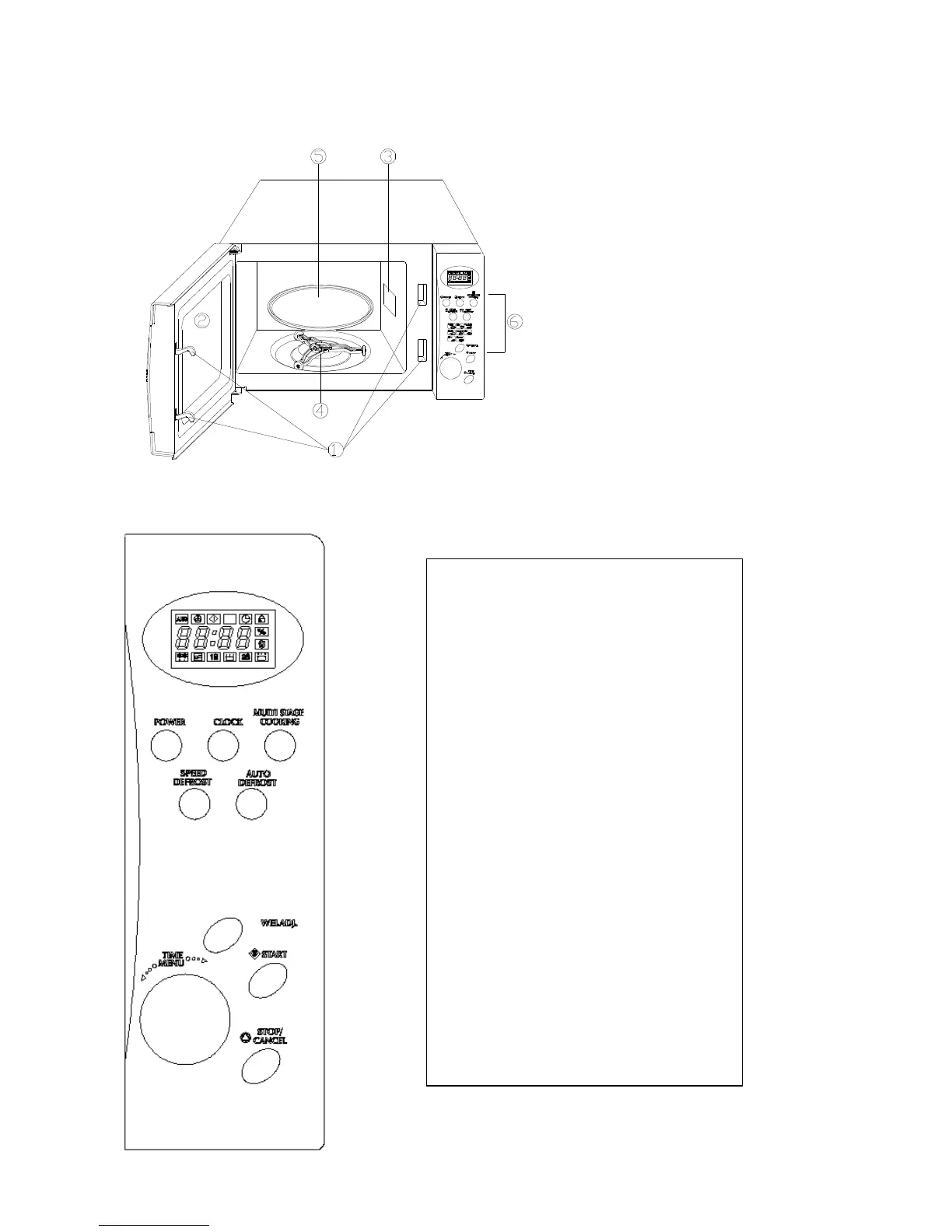
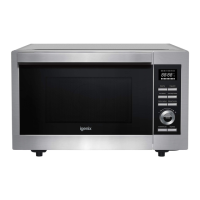
Menu Action Screen – Displays
cooking time, power, action indicators
and clock time.
• Power – Touch this button multiple
times to select a microwave cooking
power level.
• Clock – Touch this button to start
setting the clock and end by touching it
again.
• Weight Adjust – Touch this button to
select food weight or number of
servings.
• Auto Defrost – Touch to defrost food
by weight.
• Speed Defrost – Touch to defrost food
by time.
• Multi Stage Cooking – Use to set
multi stage cooking program.
• Time/Menu – Turn the dial to input
cooking time and select from the
cooking menu.
• Start – Touch to start a cooking
program.
• Stop/Cancel – Press to cancel setting
or reset the oven before setting a
cooking program. Press once to
temporarily stop cooking or twice to
cancel cooking altogether. It is also
used for setting the Child Lock.


 To Next Page