10/20
Zoom in route by pressing in Navigation page.
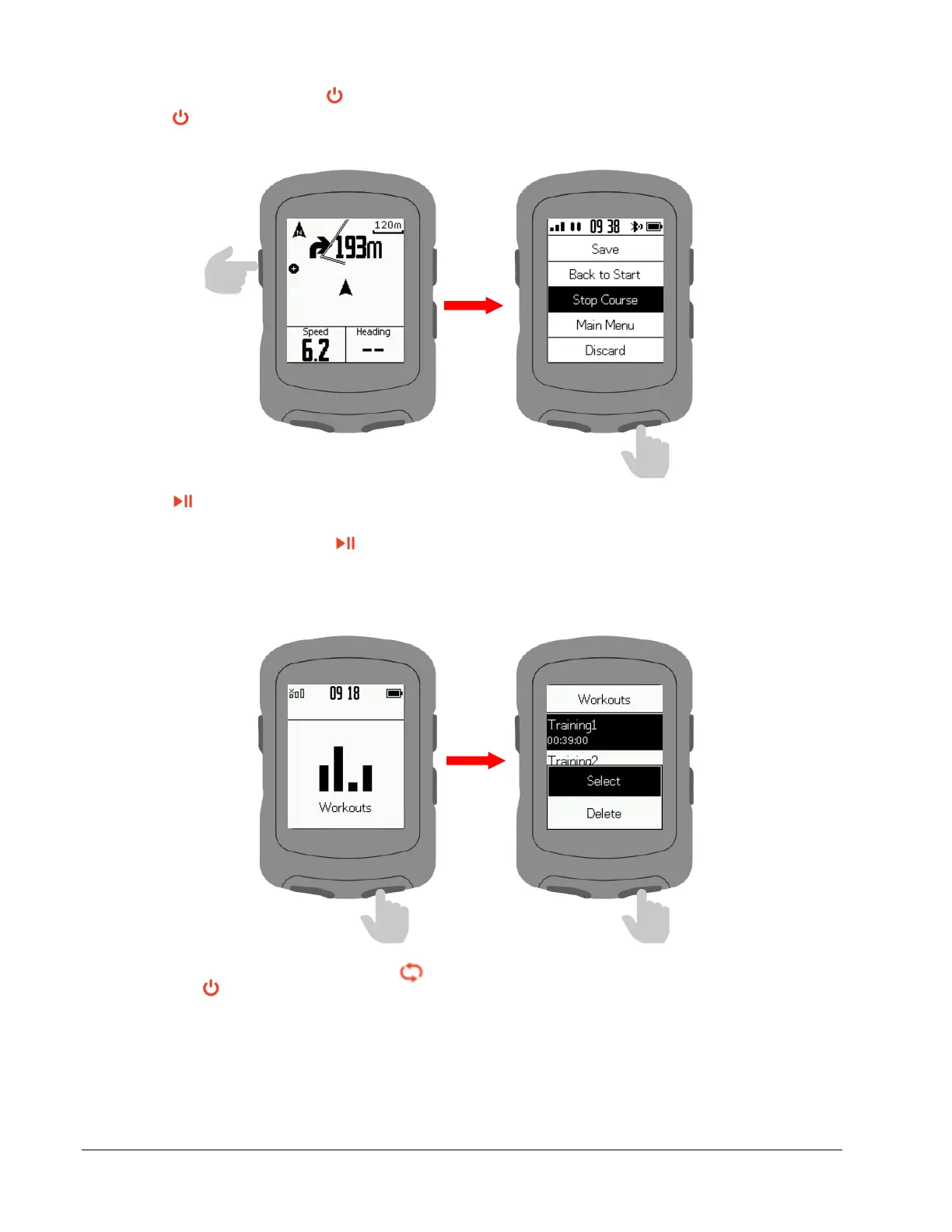
Press to enter the menu and select Back to Start to return to your starting point.
Select Stop Course to stop the navigation.
Workouts
Press to enter your workout list.
Download a workout from GPS Bike APP.
Select a workout and press to start.
On the Workouts page, press to end a workout step and begin the next one.
Press to enter the menu
and select Stop Workout to stop.
Select Indoor to switch to indoor workouts.



 To Next Page