14/20
Language settings
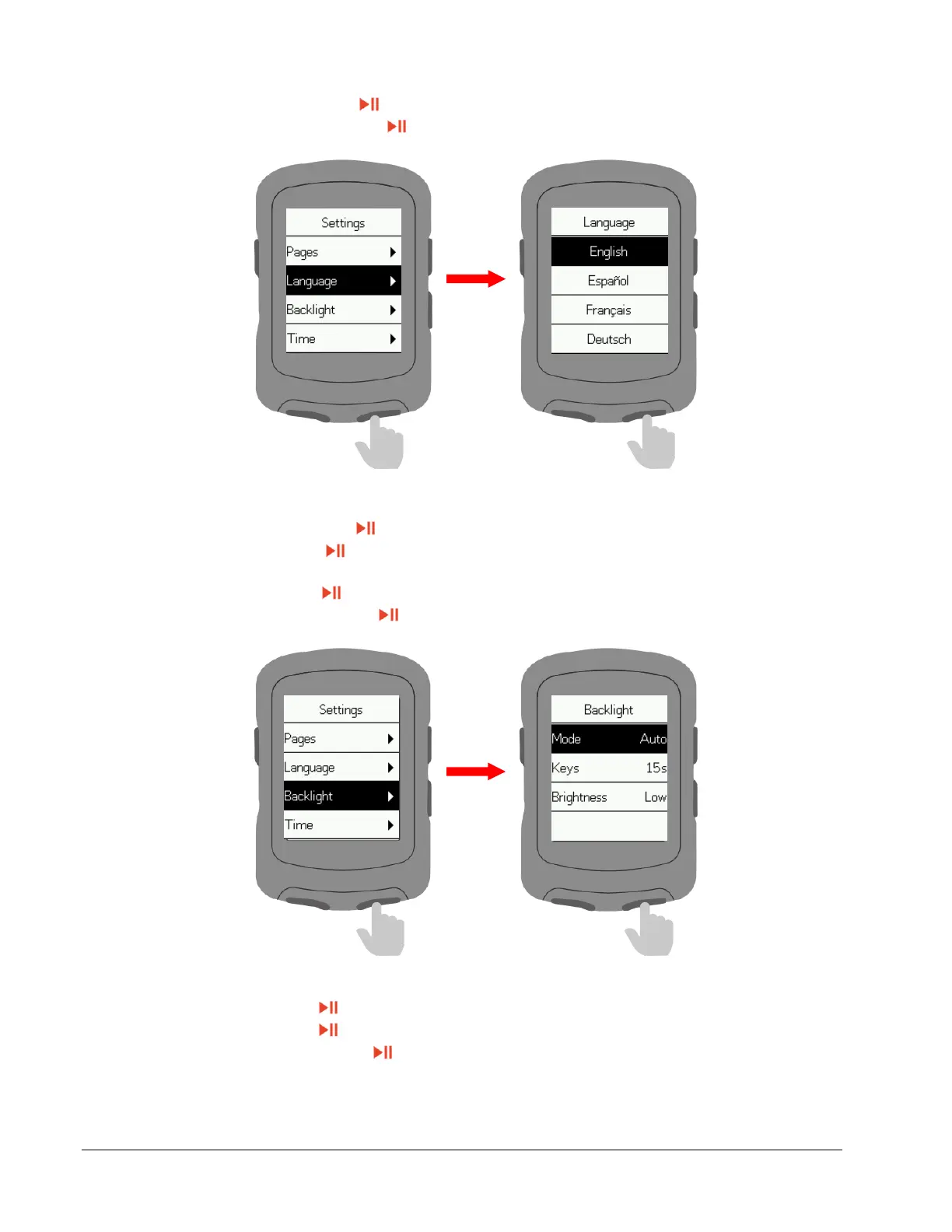
Select Language and press to enter.
Select your language and press to confirm.
Backlight settings
Select Backlight and press to enter.
Select Mode and press to switch the backlight mode. (Auto: Backlight turns on
automatically at night).
Select Keys and press to switch the button wake-up time of the backlight.
Select Brightness and press to switch backlight brightness.
Time settings
Select Time and press to enter.
Select Time and press to switch time format.
Select Time Zone and press to enter.



 To Next Page