6/20
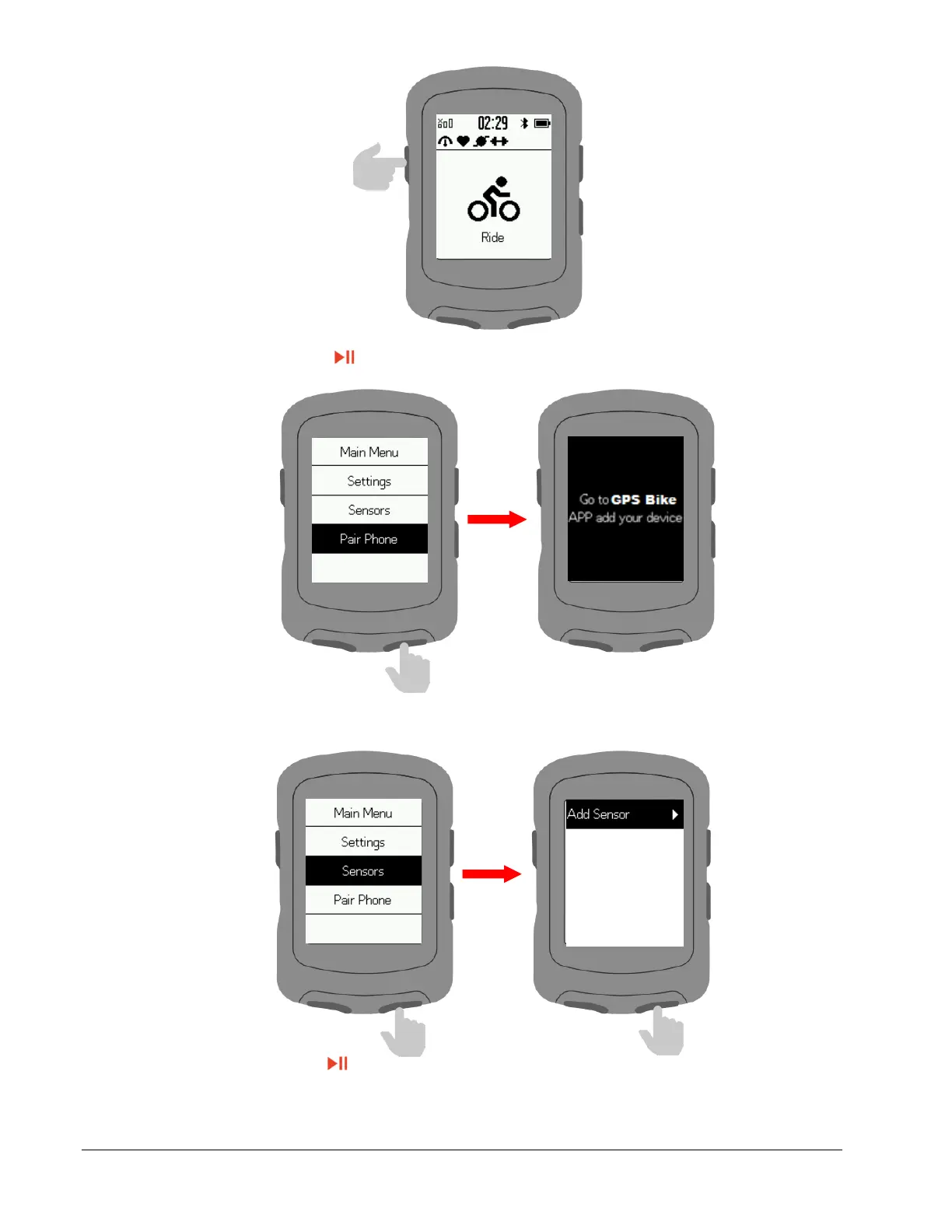
Select Pair Phone then press
Connect with sensors
Select Sensors then activate sensor and hold near the device.
Select Add Sensor.
Select a sensor and press to save.
Saved sensors will connect automatically to the device.
Select a saved sensor to forget, connect, set wheel size, set crank length or calibrate.



 To Next Page