15/20
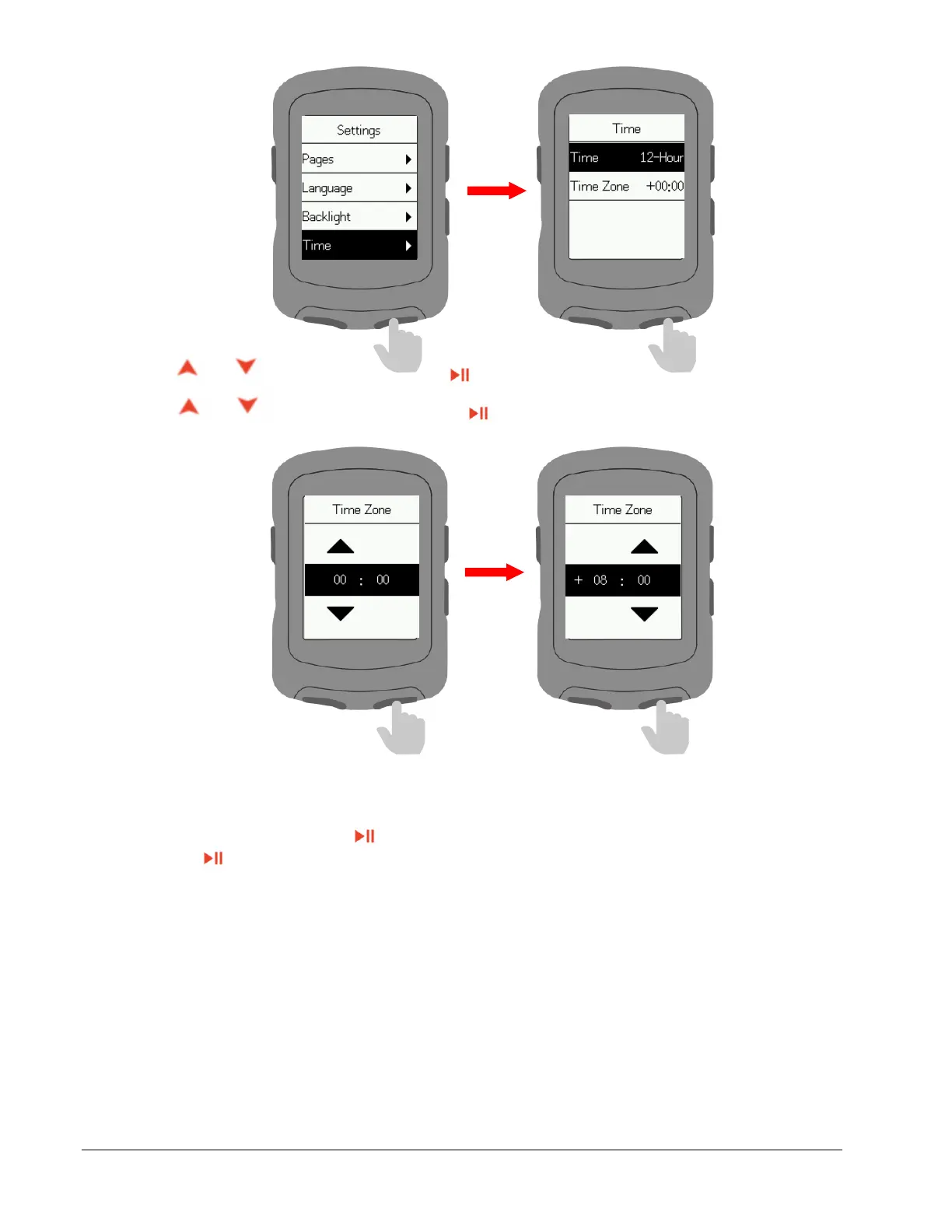
Press or to set hour and press to confirm.
Press or to set minute and press to confirm.
Other settings
Select Other and press to enter.
Press to turn on/off Auto Start, Auto Pause, Smart Record, Key Tones, Battery Save,
Auto Power Off.
Smart Record: Reduce the frequency of device recording and only key points of position, speed
or heart rate will be recorded.
Battery Save: Automatically adjust device settings to extend battery life, which will reduce the
accuracy of recording.



 To Next Page