16/20
Reset
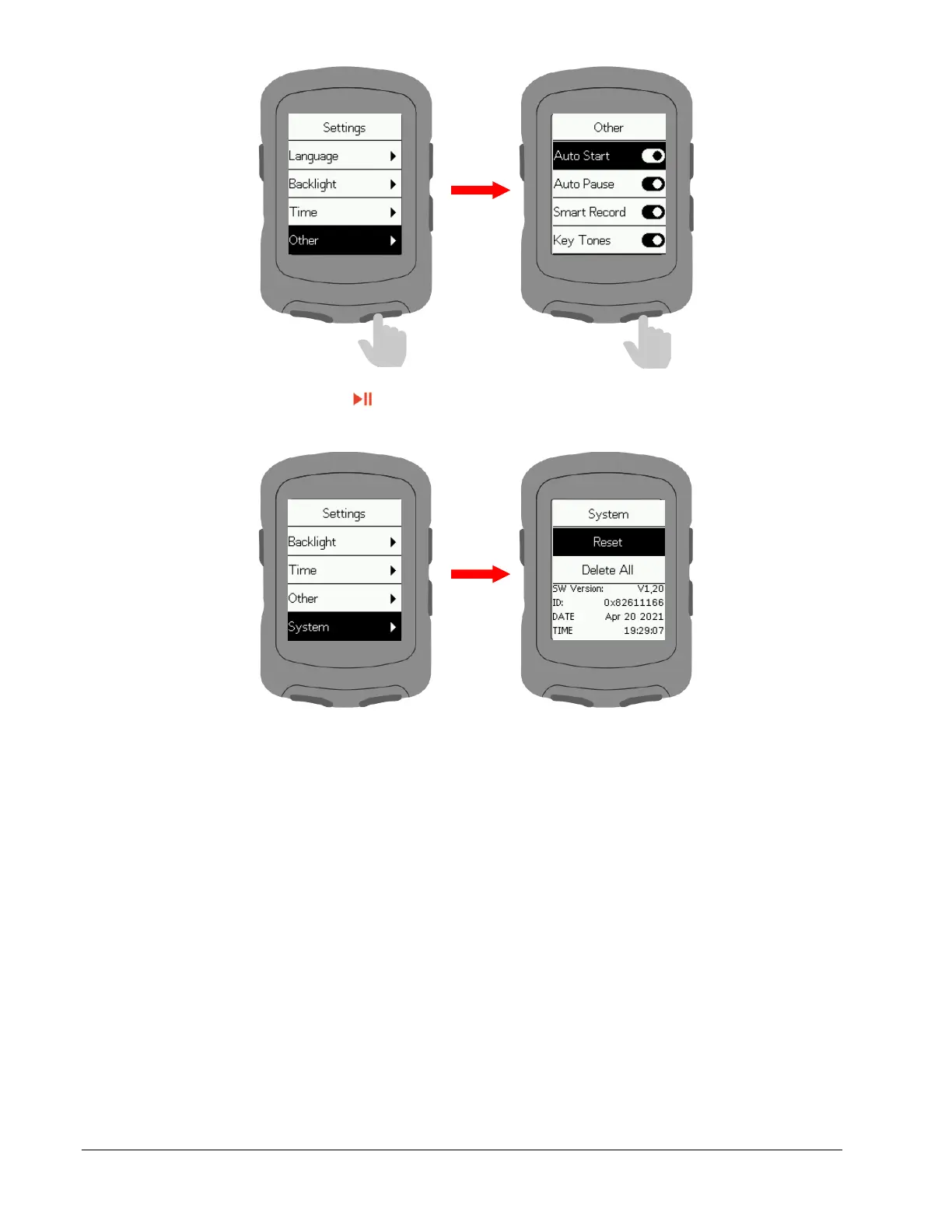
Select System and press to enter.
Select Reset: This restores default settings. History will not be deleted.
Select Delete All: This restores default settings and clears all history.
Charging
Unplug the USB waterproof plug from the left side.
Plug the USB cable into an AC adapter or a computer USB port.
After the device is charged, the USB waterproof plug needs to be plugged.



 To Next Page