9 10
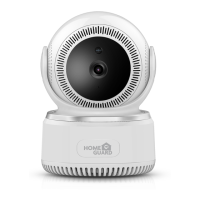
You are now free to position your camera anywhere in your home where you get a Wi-Fi
signal and view it remotely from anywhere in the world on your Smartphone or Tablet!
You’re Done!
Congratulations! Your HOMEGUARD Smart Camera is set up and ready to go.
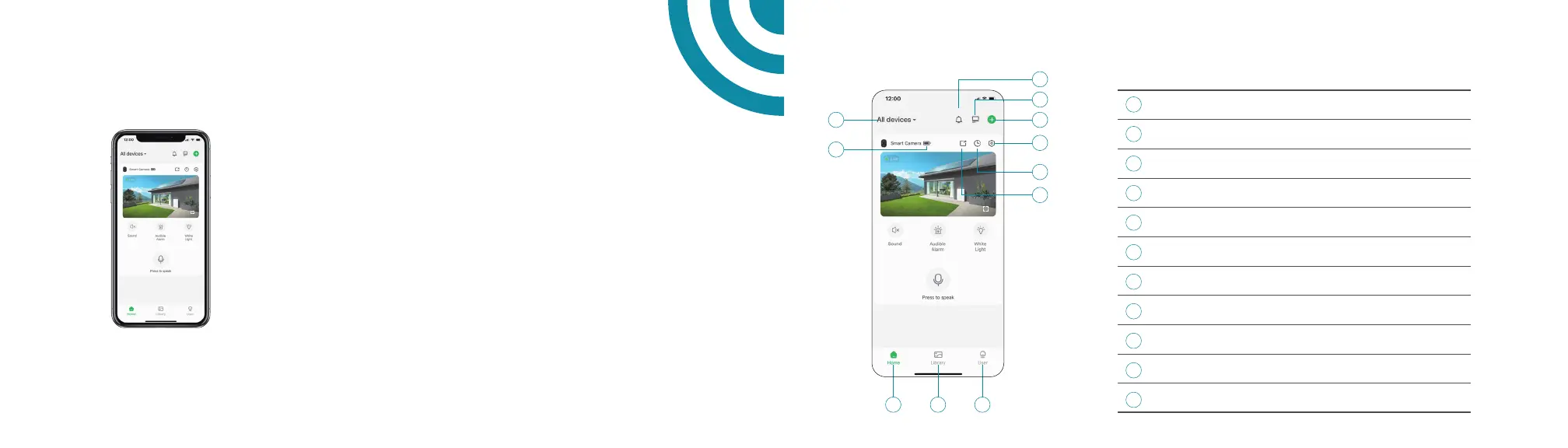
Home Page
1
5
6
7
8
9
11
10
2
3
4
Select the camera
Check battery status
Do not disturb mode
Tap to access Split-screen view
Tap to add a new camera
Tap to access camera setting
Tap to go into history playback list
Share camera to family
Tap to access home page
Tap to go into history playback list
Tap to access account information page
Device name
Battery Status
Undisturb
Split-screen
Add Device
Setting
Replay
Share
Home
Library
User
1 5
4
3
6
7
8
9 1110
2


 To Next Page