www.igloorefrigeration.com | Pastry Display Cases
SETTING THE DESIRED TEMPERATURE
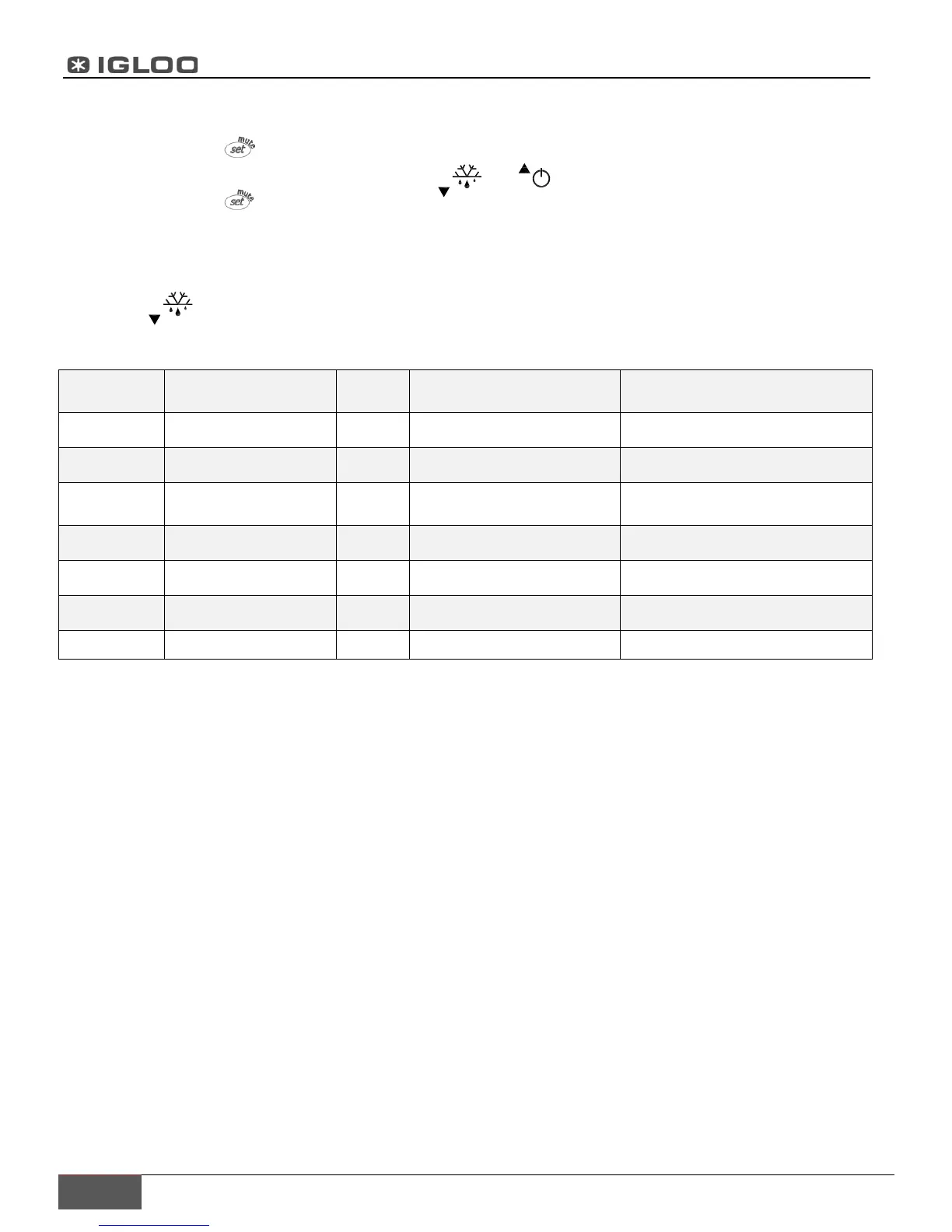
- Press the set button for 1 second leading value shall be displayed on the screen
- Increase or decrease the leading value by means of and , until the desired value shall be obtained;
- Press the set button once again in order to confirm the new value of the setting point.
MANUAL INPUT OF THE DEFROSTING CYCLE
Defrosting shall be released in an automatic mode. It is possible to force defrosting at any moment by pressing and
holding the defrost switch for minimum 5 seconds.
Table 2 Table of alarms and signals
alarm code
LED alarm description reset
E0 active ON probe 1 error= control automatic
E1 active ON probe 2 error= defrost automatic
E2 active ON
probe 3 error=
condenser/product
automatic
EE active ON unit parameter error not possible
EF active ON operating parameter error manual
Ed
not
active ON
defrost ended
by timeout On first defrost ended correctly
CHt active ON dirty condenser alarm manual
MODIFYING THE PARAMETERS
Parameter navigation
The operating parameters, modifiable using the keypad, are divided into two types: frequent (type F) and
configuration (type C). Access to the latter is protected by password (default= 22) to prevent accidental or
unauthorized modifications.
Accessing the type F parameters:
-Press the SET button for more than 3 s (if there are active alarms, mute the buzzers). The display shows the
parameter code ‘PS’ (password);
- Use the UP and DOWN buttons to scroll the parameters. The LED corresponding to the category of parameters will
be on;
- Press SET to display the value associated with the parameter
- Increase or decrease the value using the UP or DOWN button respectively;
- Press SET to temporarily save the new value and display the parameter again;
- Repeat the procedure for any other parameters that need to be modified;
- Press the SET button for more than 3 s to permanently save the parameters and exit the parameter setting
procedure.


 To Next Page