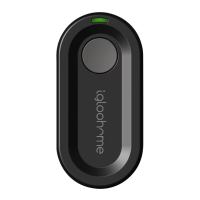
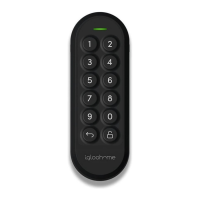
22
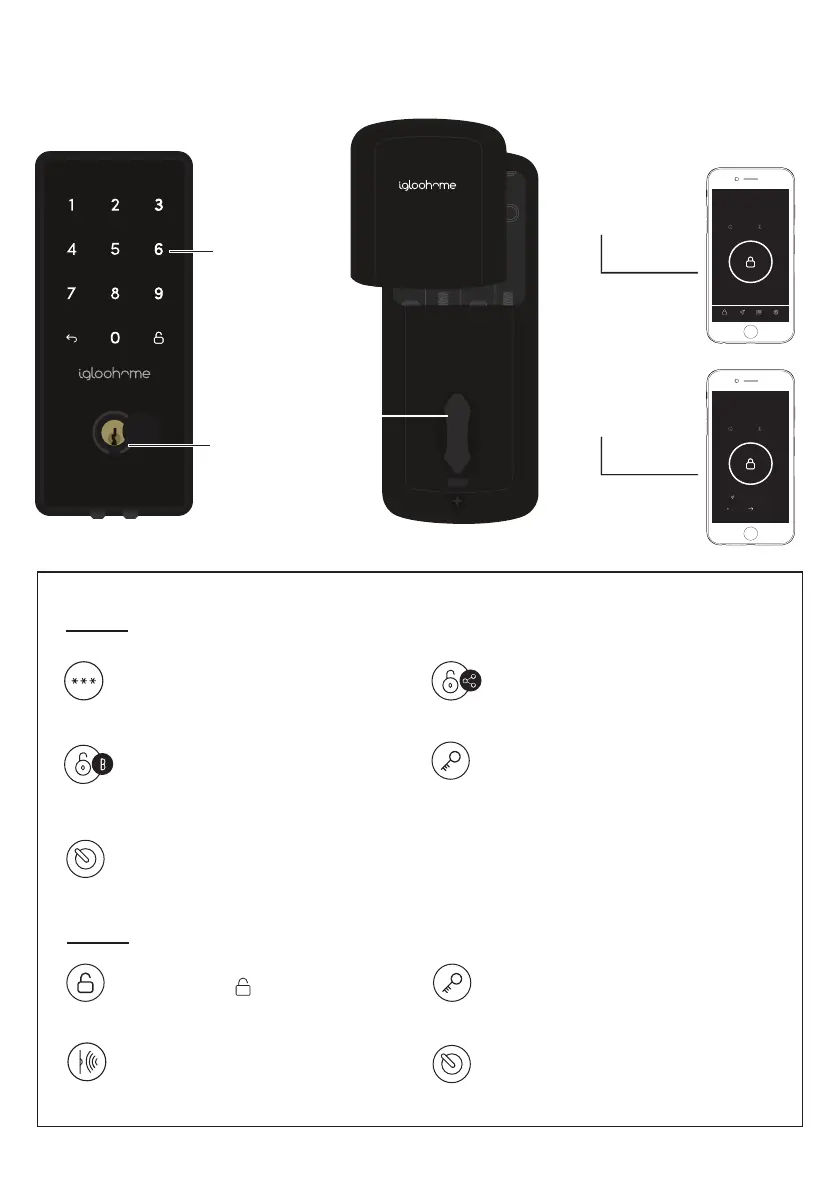
Mode of Access
PIN Code
Key in your PIN code and press
‘Unlock’ icon
Bluetooth Basic Unlock
On your app, tap on the Bluetooth
Unlock button and tap on your lock
Guest Bluetooth Key
Refer to page 27
Physical Key
Use the physical key to unlock the door
Unlocking
Bluetooth
Basic Unlock
Guest
Bluetooth Key
igloohome App
igloohome App
Thumbturn
Use thumbturn at the back of lock
PIN Code
Physical Key
Thumbturn
Auto Lock
Works only with the Re-lock Sensor
Physical Key
Use the physical key to lock the door
‘Unlock’ Key
Press and hold
Thumbturn
Use thumbturn at the back of lock
Locking
Deadbolt
Home
Logs Settings
AccessBasic
Warehouse Julia
Deadbolt
Home
Android-Create IOS-Claim
Warehouse John
Feb 12, 2019
20:00 SGT
Sep 30, 2019
00:00 SGT

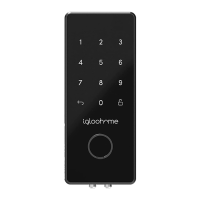

 To Next Page