28
Manage Ecosystem Products
via the app
1
View the full Keypad User Guide
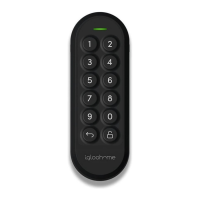
Keypad
a) Pair the Keypad to your account
Before linking the Keypad to a lock, you need to add the device to your account:
*Please ensure you are within Bluetooth range of the Keypad and your Bluetooth function
is turned on.
b) Link the Keypad to a lock
*Please ensure you are within Bluetooth range of the lock and Keypad and your Bluetooth
function is turned on.
1. Tap on and select [Add and manage].
2. Select [Manage Keypads].
3. Tap the [+] icon located on the top right of the screen, or tap the [Add Keypad] button
located on the bottom of the screen.
4. Follow the instructions on the screen.
1. Tap on and select [Add and manage].
2. Select [Manage Keypads].
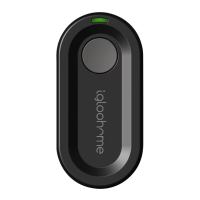
3. Select the Key Fob you want to link.
4. Follow the instructions on the screen.


 To Next Page