EasyManua.ls Logo

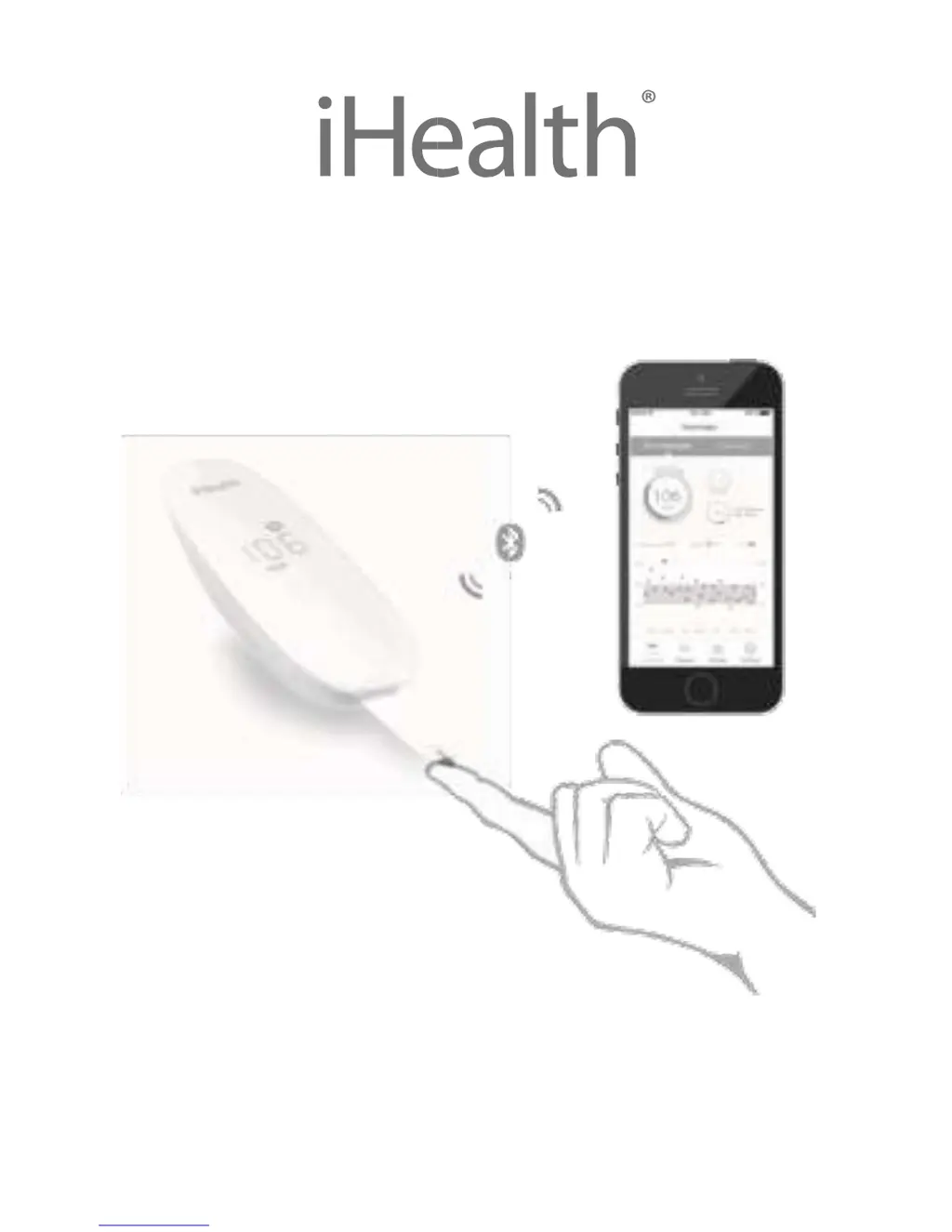
iHealth BG5 - User Manual

iHealth BG5
41 pages
Print Icon
To Next Page IconTo Next Page
Loading...
Wireless Smart Gluco-Monitoring
System

Other manuals for iHealth BG5

Questions and Answers

  • H
    Heather RodgersAug 10, 2025
    What to do if iHealth BG5 Blood Glucose Meter test results are inconsistent?
    • M
      Meghan SchroederAug 10, 2025
      If you are getting inconsistent test results from your iHealth Blood Glucose Meter, consider these potential causes and solutions: * **Insufficient Sample:** Ensure enough sample is applied to a new test strip when retesting. * **Expired Materials:** Retest using a new test strip or control solution if the current one has expired. * **Damaged Test Strip:** Perform a control solution test with a new test strip. If results remain out of range, switch to a new vial of test strips. This may occur if the test strip has been damaged due to heat or humidity, affecting sample application. * **Environmental Factors:** Allow the system to adjust to a room-temperature environment for about 30 minutes before conducting a new test.
  • I
    iancarrAug 20, 2025
    Why iHealth BG5 Blood Glucose Meter display remains blank?
    • D
      David FreemanAug 20, 2025
      If the display of your iHealth Blood Glucose Meter remains blank after inserting the test strip, here are a few possible reasons: * **Low Battery:** The battery power might be too low. In this case, charge the battery. * **Time Delay:** Too much time may have passed since inserting the test strip. Try reinserting the test strip. * **Improper Insertion:** The test strip might not be fully inserted. Reinsert the test strip firmly into the meter.
  • T
    Tabitha HaneyAug 30, 2025
    What to do if the iHealth BG5 countdown didn't start?
    • B
      Brian WebbAug 30, 2025
      If the meter countdown on your iHealth Blood Glucose Meter doesn't start, it might be due to incorrect test strip insertion. Try using a new test strip and redoing the test.

Summary

INTENDED USE

IMPORTANT SAFETY INSTRUCTIONS

CONTENTS OF THE WIRELESS SMART GLUCO-MONITORING SYSTEM

Parts and Displays

Details the components of the iHealth Blood Glucose Meter, including its display and buttons.

IMPORTANT TEST INFORMATION

FIRST TIME SETUP INSTRUCTIONS

Test blood glucose level

Performing a Blood Glucose Test

Step-by-step guide covering Bluetooth connection, strip insertion, lancing, sample application, and result reading.

DATA SYNCING

REVIEWING SAVED TEST RESULTS ON THE METER

CLEANING AND DISINFECTION

SIGNS OF POTENTIAL PHYSICAL AND PERFORMANCE DETERIORATION

INFORMATION ABOUT ALTERNATE SITE TESTING (AST)

When Should You Use Alternate Site Testing?

IMPORTANT INFORMATION ABOUT CONTROL SOLUTION TESTS

PERFORMING A CONTROL SOLUTION TEST

COMPARING GLUCOSE METER TEST RESULTS WITH LABORATORY RESULTS

IHEALTH WIRELESS SMART GLUCO-MONITORING SYSTEM SPECIFICATIONS

MAINTENANCE AND STORAGE OF YOUR IHEALTH SYSTEM

LIMITATIONS OF USE

Troubleshooting and Error Handling

Display Messages and Error Codes

Details specific error messages, their meanings, and recommended solutions.

WARRANTY INFORMATION

EXPLANATION OF SYMBOLS

iHealth BG5 Specifications

General IconGeneral
BrandiHealth
ModelBG5
CategoryBlood Glucose Meter
LanguageEnglish

Related product manuals