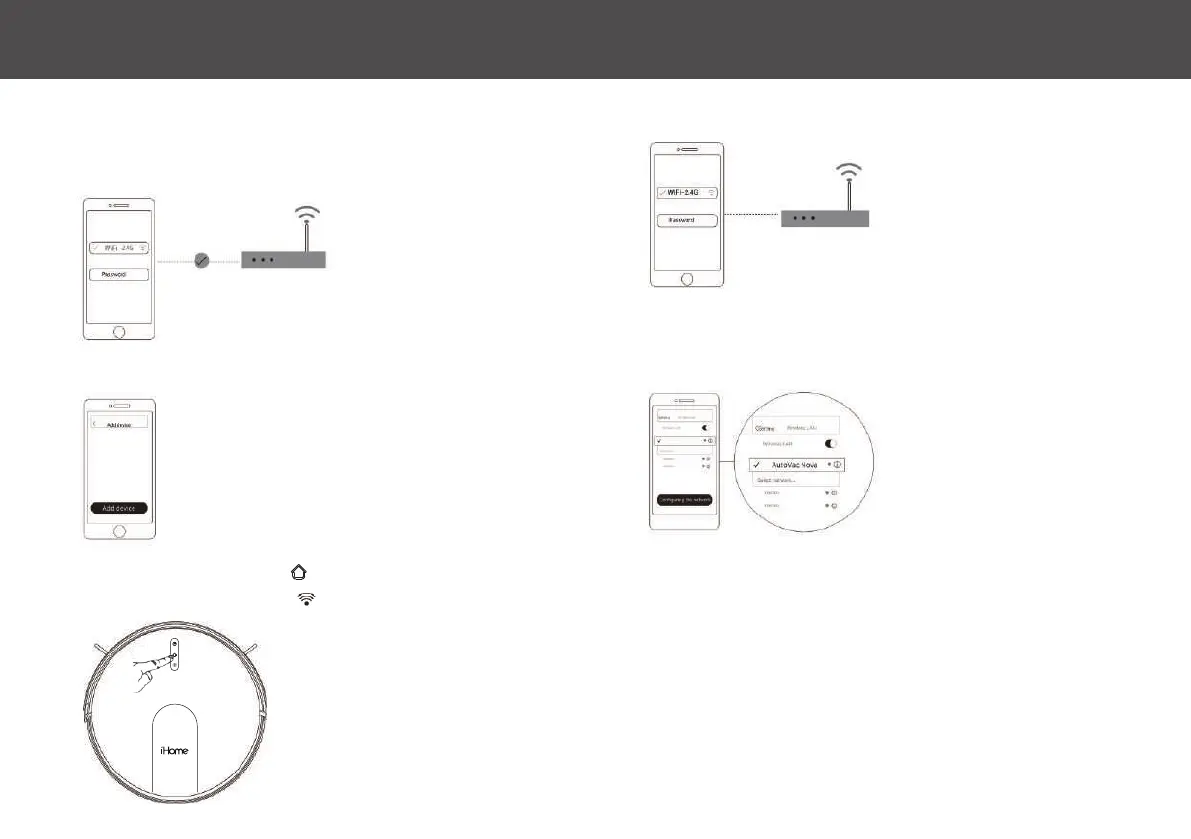
1: Make sure your mobile device is connected to Wi-Fi
• Make sure that the Wi-Fi network is not 5G (the app only supports 2.4G network)
• The name & password of the Wi-Fi network cannot contain any special characters
iHOME CLEAN APP - WI-FI CONNECTION 6
5: Go to Wi-Fi settings on your device and select “Autovac Eclipse”
6: Re-open the iHome Clean App & wait for the connection to complete
2: Open the iHome Clean App, select “Add device” and select Eclipse
4: Select your 2.4G Wi-Fi network and enter the password
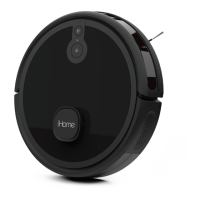
3: Press & hold Home button for 5 seconds to enter network config
mode until the Wi-Fi indicator flashes.
NOTE: Ensure that you have a strong
Wi-Fi signal in the location of your
setup/charging base.


 To Next Page