Set Up
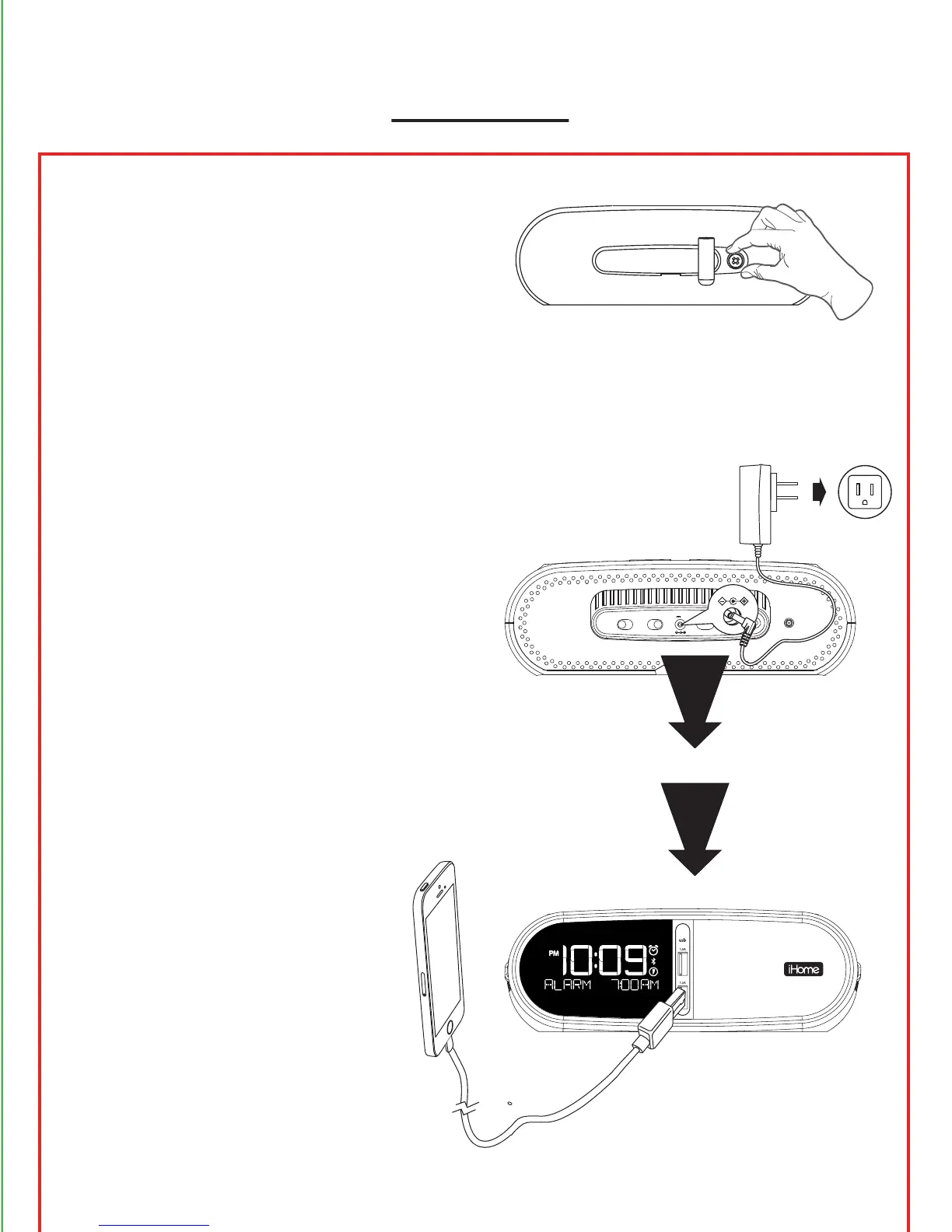
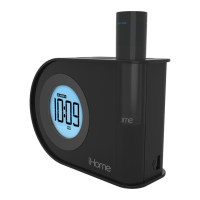
Remove thumbscrew and
remove back security cover to
access sta controls (volume
limit switch, DST switch, time
set button, time zone button),
and DC jack.
Connect the universal voltage
AC adapter to the wall outlet
and the DC jack on the back
panel of the unit.
Charging Devices
Connect USB cable (not includ-
ed) to USB port and the other
end to your device to charge.
time settime zone
dst
+1 -1 auto
volume limit
o on
DC 9V 3A
outlet


 To Next Page