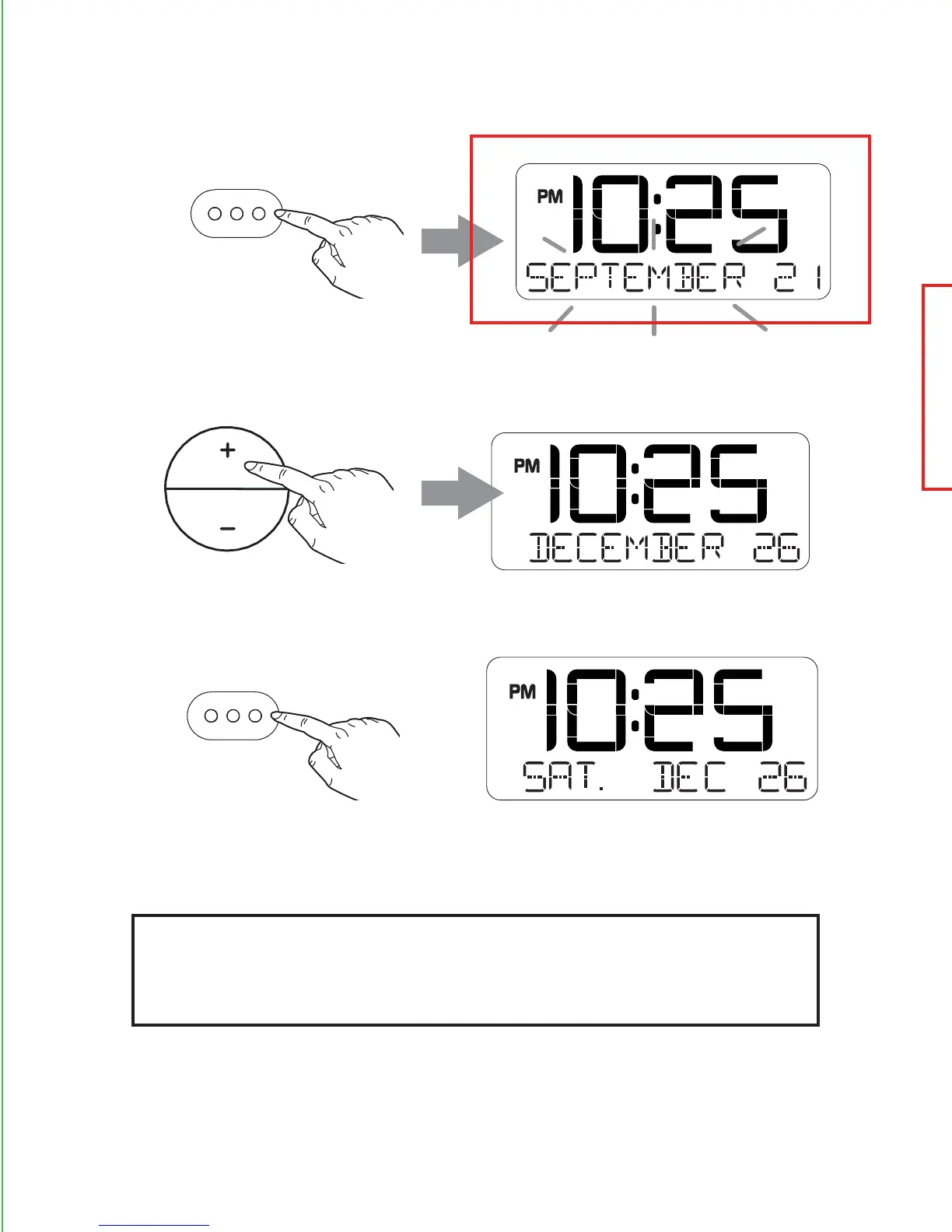
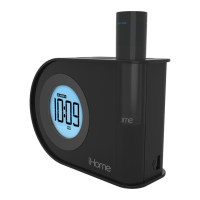
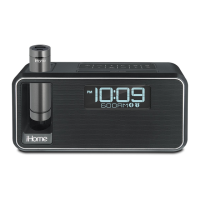
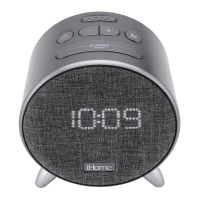
Press the time set button to conrm year. The date will ash.
Press the - or + button to set the date (hold for rapid adjust).
Press the time set button. 2 beeps will conrm Clock Setting
is complete.
√
TIP: Press the Alarm On/O Button when display
is ashing during clock setting to toggle
between 12 hour and 24 hour display modes.
time set
time set
Note: Make sure that the Year, Month, and Date settings are correct so
that the Auto Daylight Savings Time adjustments will occur on time.


 To Next Page