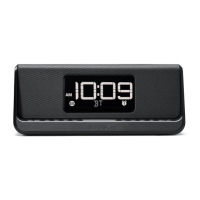
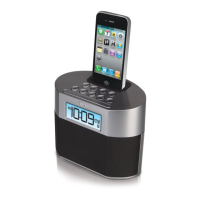
iBT21
Using the
4
P9
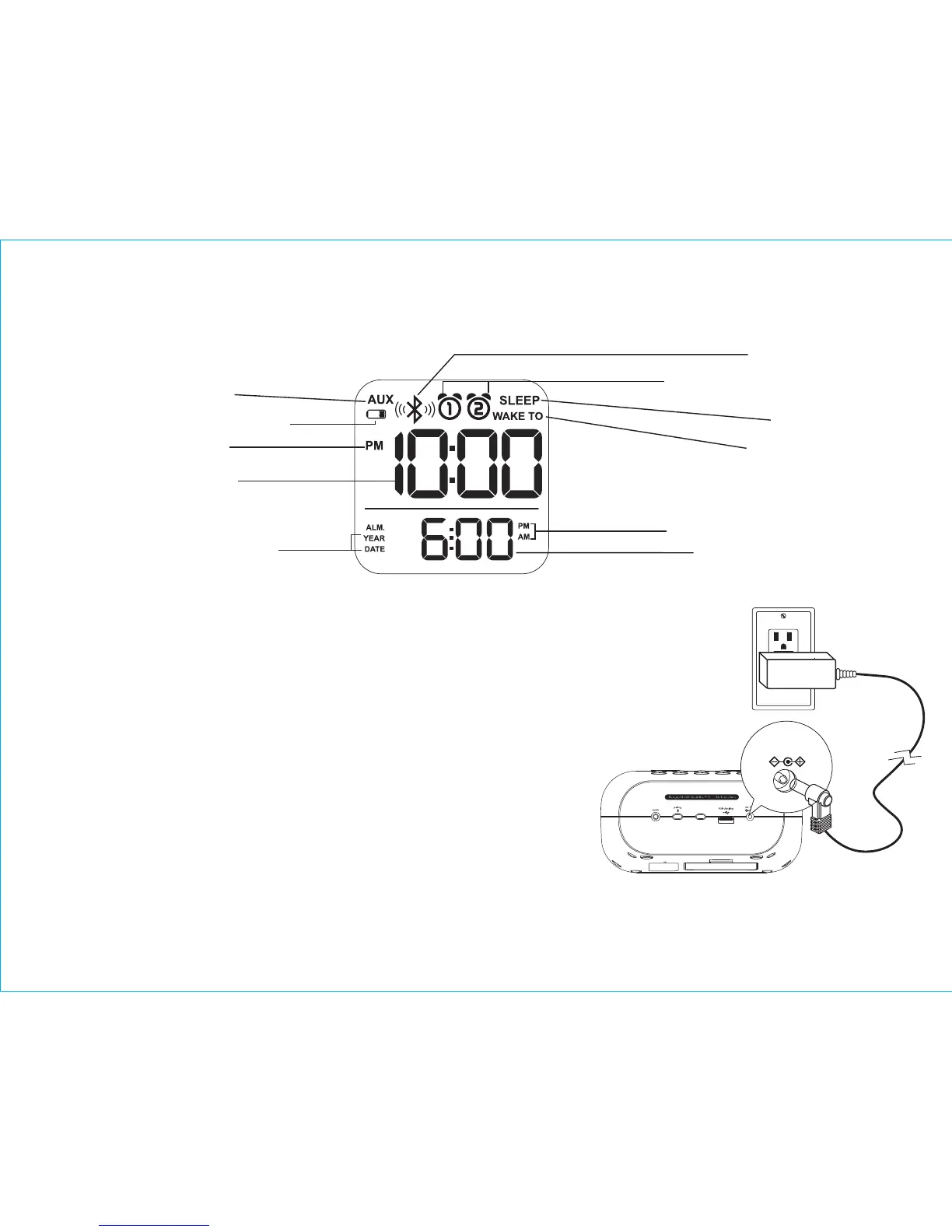
Setting Up the Unit
1. Connect the included AC adaptor to the DC jack located on the back
of the unit and connect the other end to a working wall outlet.
Turning the Unit ON and OFF*
1. Once the AC adaptor is properly connected, press the
Power Button located on top of the unit to turn the unit
ON. “ON” will appear briefly on the display and the LED
indictator will light up.
2. Press the Power Button to turn the unit OFF. The LED indicator
will turn off and “OFF” will appear briefly on the display.
NOTE: The unit has an automatic shut off function: if no audio is
detected for 3 minutes, the unit will power off.
The Display
Alarm 1 & Alarm 2 Indicators
Battery Low Indicator
T
ime Display
PM Indicator
Alarm time AM/PM Indicator
AUX indicator
Bluetooth Indicator
Sleep Indicator
Wake to Indicator
Alarm Time/Date Display
Y
ear/Date Indicator
* see page 9 for details on
powering the unit ON remotely
using a paired Bluetooth device
clock
adjust
outlet
RESET
RESET
TEST
TEST
5V 2A



 To Next Page