Connecting the Unit
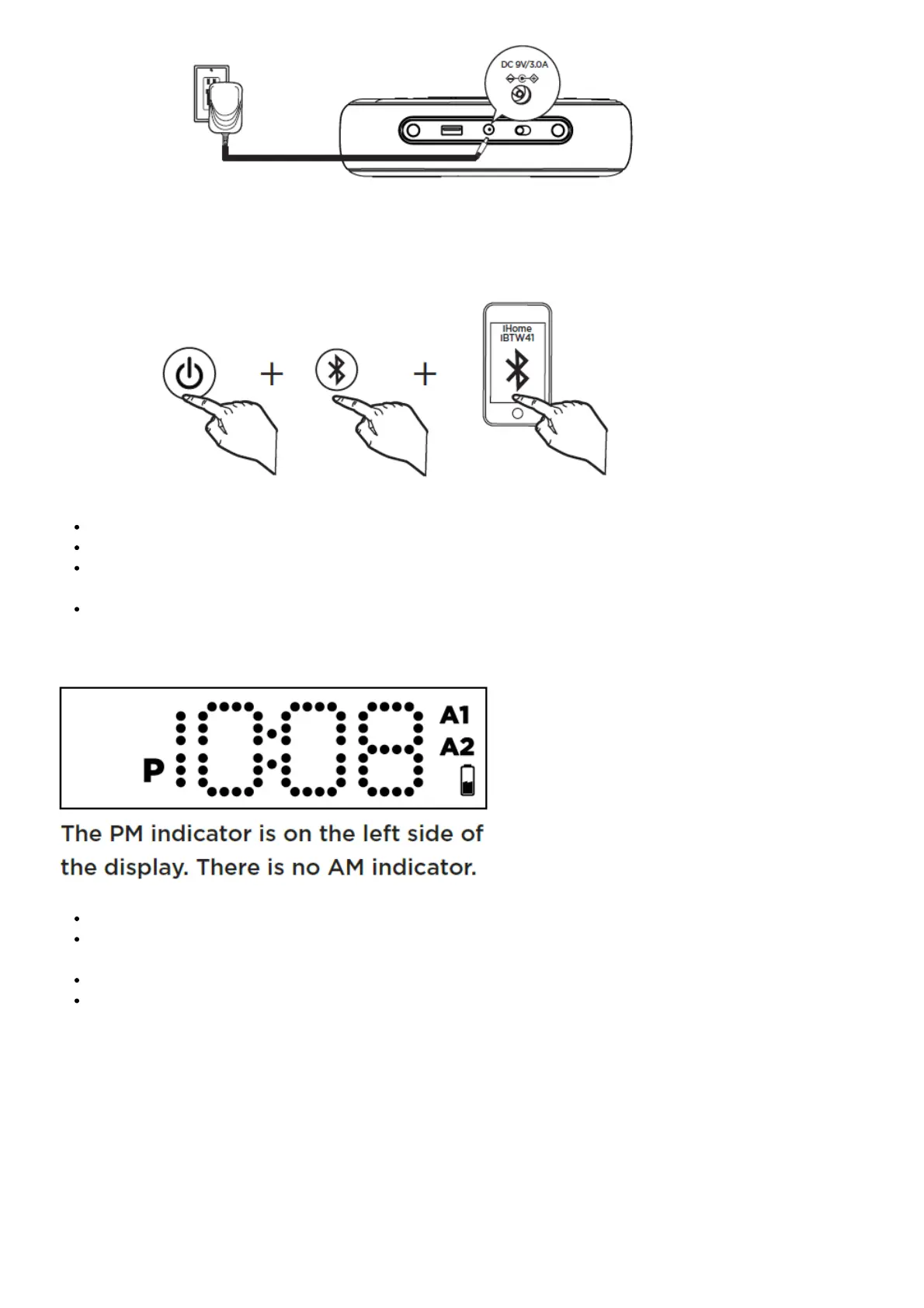
Connect the included AC adapter to the DC jack located on the back of the unit and connect the other end to a
working wall outlet.
Bluetooth Pairing
Turn on your Bluetooth device and make it ‘discoverable’ by turning on Bluetooth mode.
Press the Power Button on the iBTW41.
Press and hold the Bluetooth Pairing Button on the back of the iBTW41 until the Blueooth Pairing Icon flashes
to indicate the unit is in pairing mode.
Select ‘iHome Timeboost’ on your device’s Bluetooth menu to connect!
Setting Your Clock
Press and hold the Time Set Button until the display flashes.
Press the – or + Buttons to adjust selections and tap Time Set to confirm (make sure you set the correct AM/PM
time).
Do this for time, year, month and date.
All done!
Daylight Savings Time:
By default, the DST Switch is set to Auto and will automatically adjust the time in March and November.
Tip: Press the Alarm 1 Button during clock setting to toggle the clock between 12/24 hour display modes.



 To Next Page