BLUETOOTH PAIRING
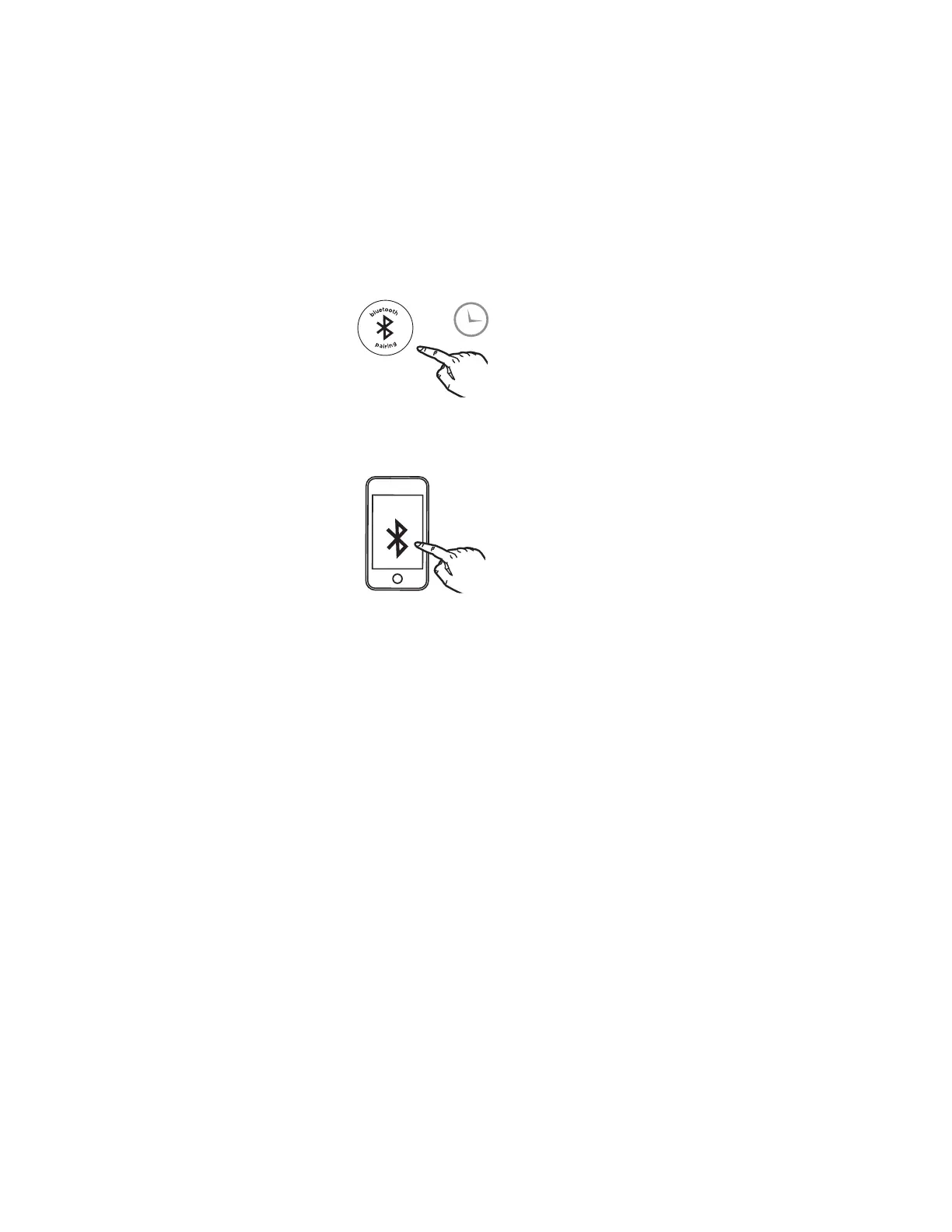
Make sure your device is ‘discoverable’ by turning on Bluetooth mode. The
first time the iBT235 is powered on, it will automatically enter pairing mode.
To manually pair your Bluetooth device:
1. Press and hold the Bluetooth Button on the back of the iBT235 for
2 seconds.
2. Select ‘iHome iBT235’ on your device’s Bluetooth menu to c
onnect.
3.
If pairing is successful, the Bluetooth indicator appears on the iBT235 display
,
indicating the unit is r
eady to play
music.
T
o reset Bluetooth settings, press and hold the Bluetooth Button for 10 seconds.
Playing Bluetooth Audio:
1. Pr
ess the Play/Pause Button on the unit to play or pause audio fr
om
y
our linked Bluetooth device.
2. Pr
ess the – or + Buttons to adjust the volume on the unit.
2s
iHome
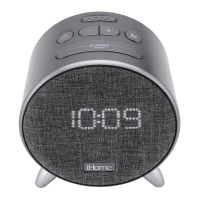
iBT235


 To Next Page