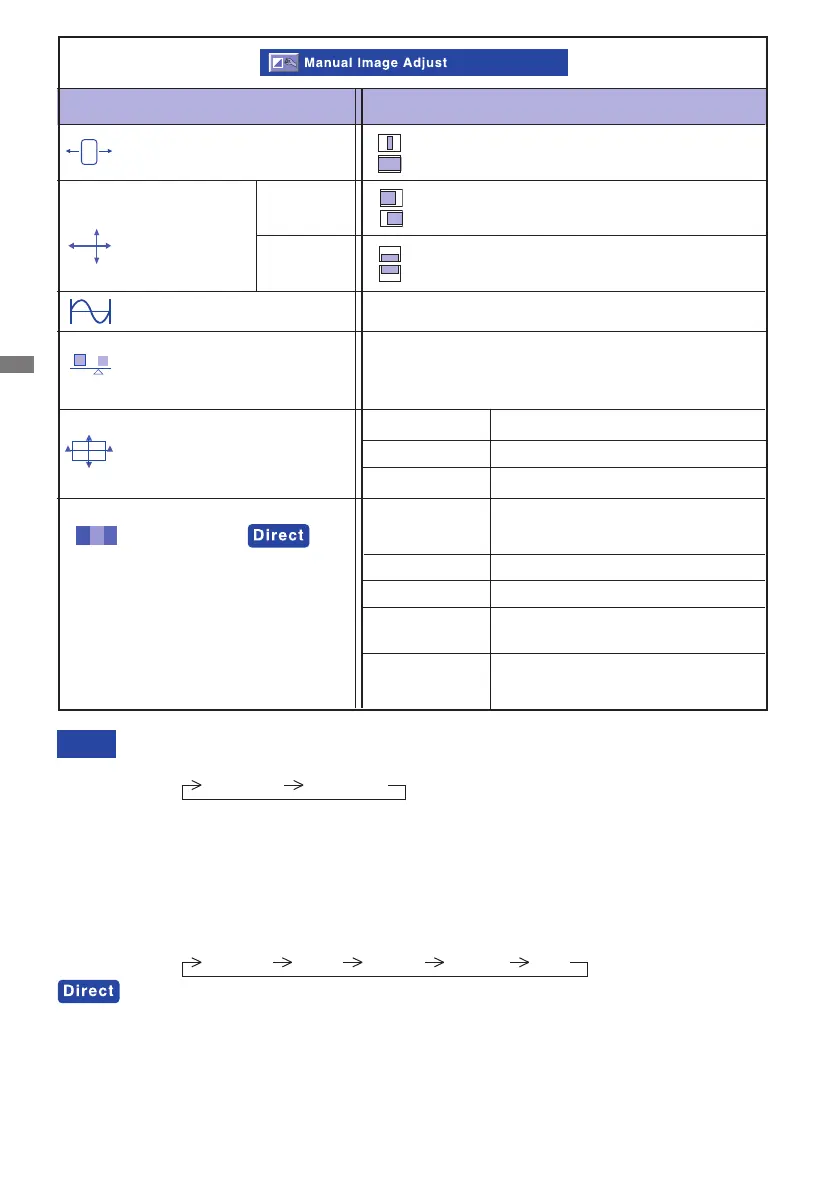
12 OPERATING THE MONITOR
Adjustment Item Problem / Option Button to Press
Manual Image Adjust
Horizontal Size*1
Fine Tune*1
H./V. Position*1
Too far to the left
Too far to the right
Too low
Too high
H. Position
V. Position
H. Position and V. Position are switched as follows by pressing the / Button
successively.
H. Position V. Position
NOTE
Too narrow
Too wide
Tocorrectickeringtextorlines
Sharpness
Adjust the picture quality at resolutions of
less 1680 x 1050.
You can change the picture quality (3 steps).
Video Mode Adjust
Full Screen
Over Screen
Aspect Ratio*2
Select full screen
Select over screen
Select Aspect ratio
*1 Only Analog input.
*2 It can display in the center of the screen with a 4:3, 5:4 aspect ratio when input video resolution
is 4:3, 5:4.
You can skip the Menu items and display an adjustment scale directly by using the following
button operations.
OptiColor Mode:Press the
Button when the Menu is not displayed.
Standard
For general windows environment
and monitor default setting
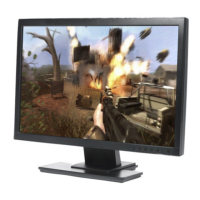
Game For PC game environment
Cinema For movie and video environment
Scenery
For displaying outdoor scenery
images
Text
For text editing and viewing in a
word processing environment
Standard, Game,Cinema, Scenery and Text are switched as follows by pressing the
/
Button successively.
Standard Game Cinema Scenery Text
OptiColor Mode






 To Next Page