English
13
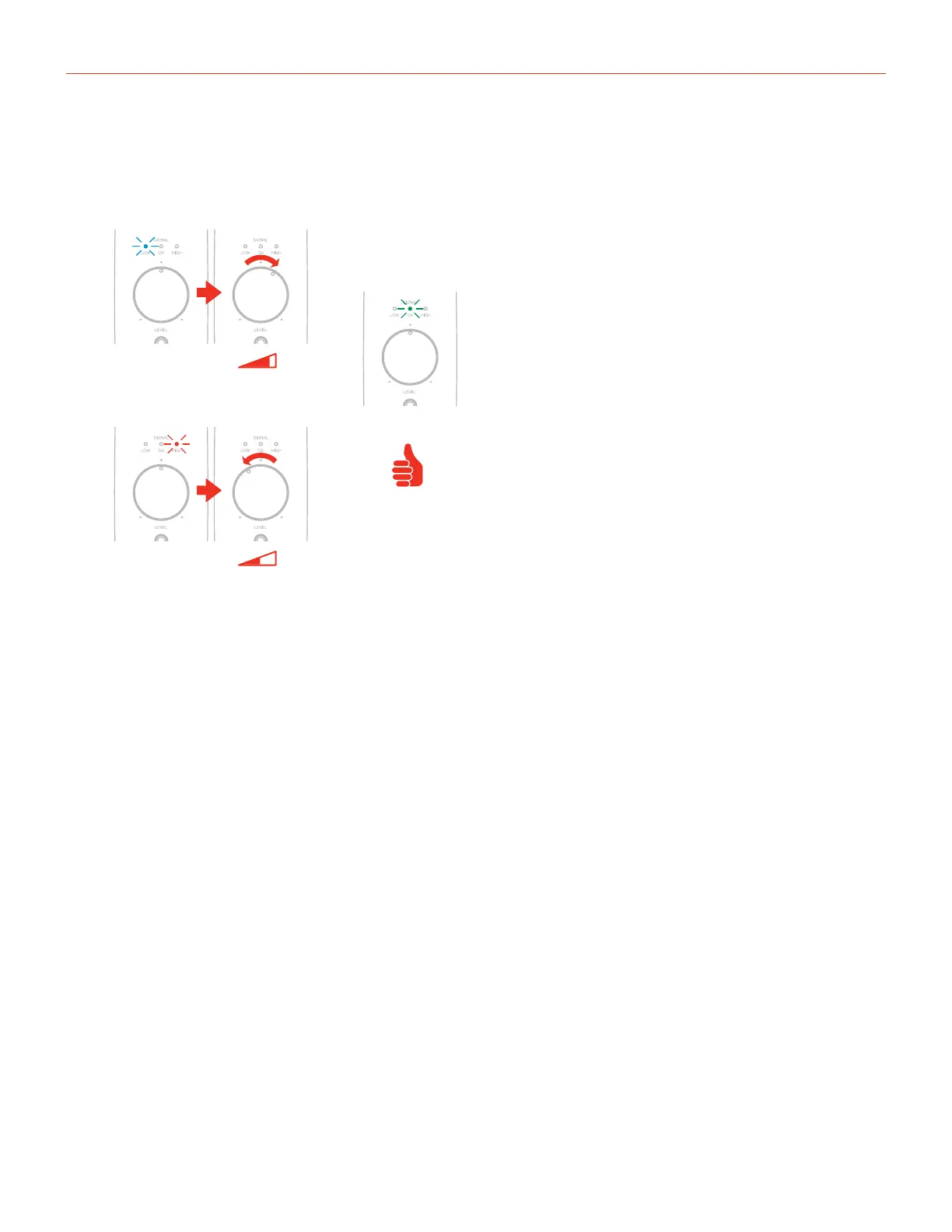
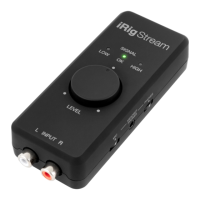
iRig Stream Pro LEDs
BLUE
GREEN
RED
The three LEDs on iRig Stream Pro give you important information about the iRig Stream Pro’s operating status.
Each status is indicated by a different color:
• Signal LOW: bright blue LED. iRig Stream Pro is connected and active and the input signal is low. Use the
main Level knob to increase the overall level that is recorded.
• Signal OK: green LED. iRig Stream Pro is active and the input signal is OK.
• Signal HIGH: red LED. iRig Stream Pro is active and the input signal is too high. Use the main Level knob to
decrease the overall level that is recorded.
IMPORTANT: when the interface operates in multichannel mode these LEDs will show the level of the channels 1
and 2 only (RCA and Loopback)



 To Next Page