English
21
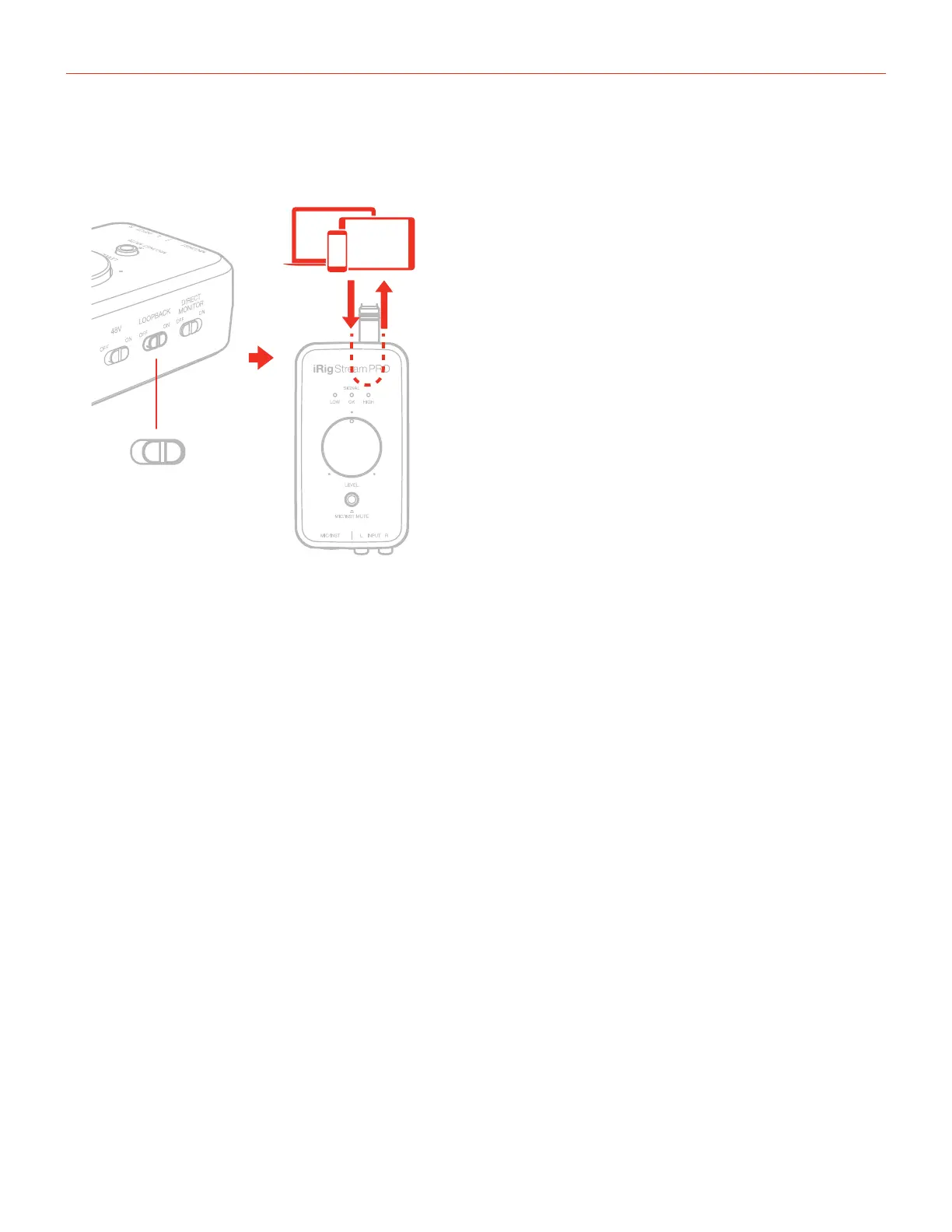
6. Turn on the Loopback function on iRig Stream Pro.
ON
LOOPBACK
7. Now the processed signal from input 3 will come back to the inputs 1 and 2: these are the inputs usually
used by your streaming app. You can control the level of the streamed signal by using the “Level”
potentiometer.
8. Open your preferred streaming software and start your stream. Your audience will be able to listen to the
audio that is input to channels 1 and 2.
If you want to use the HEADSET input, you’ll need to create a track and assign input 4 and repeat the above
steps.






 To Next Page