IKA
-WERKE C 2000 basic / control Ver. 04 08.07
3DJH
9HULI\LQJWKHGDWHDQGWLPH
c
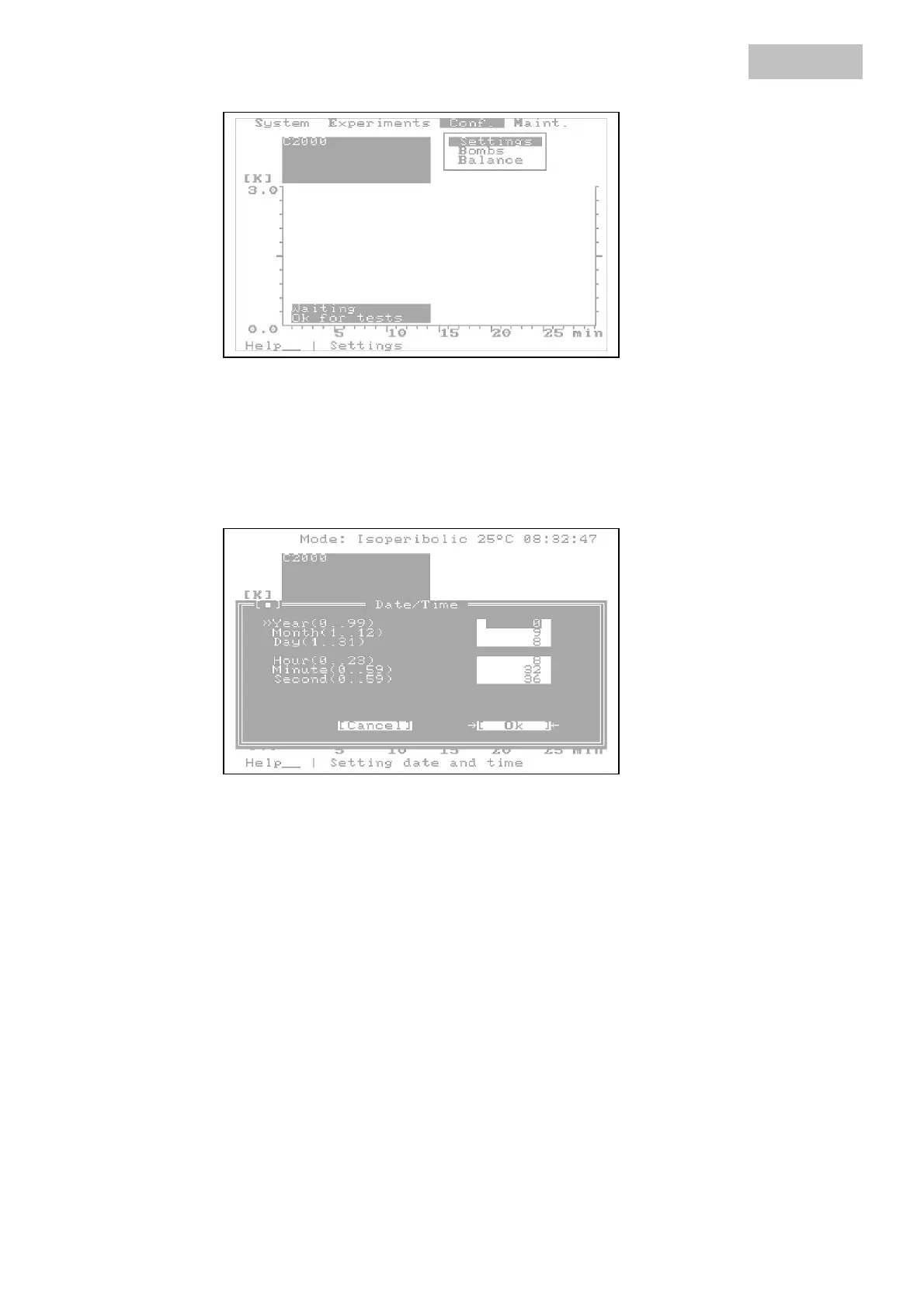
Open the 6\VWHP menu.
d
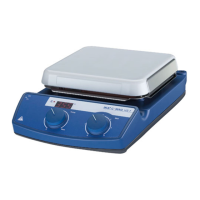
Open the 'DWHWLPH dialog box.
Meaning of the entries:
<HDU the number for the year, for example 1997 = 97, 2002 = 02
0RQWK calendar month, for example March = 03
'D\ day of the month
+RXU hour entry, 0 = midnight
0LQXWH minute entry
6HFRQG second entry
e
Compare the entries with the current date and time and correct the entries as ap-
propriate. If you confirm the dialog box with 2. the system clock and calendar will
accept these values.
ZLWKDFWLYDWHG
GDWHWLPH
Artisan Technology Group - Quality Instrumentation ... Guaranteed | (888) 88-SOURCE | www.artisantg.com



 To Next Page