6HWXSDQGFRPPLVVLRQLQJ
IKA
-WERKE C 2000 basic / control Ver. 04 08.07
3DJH
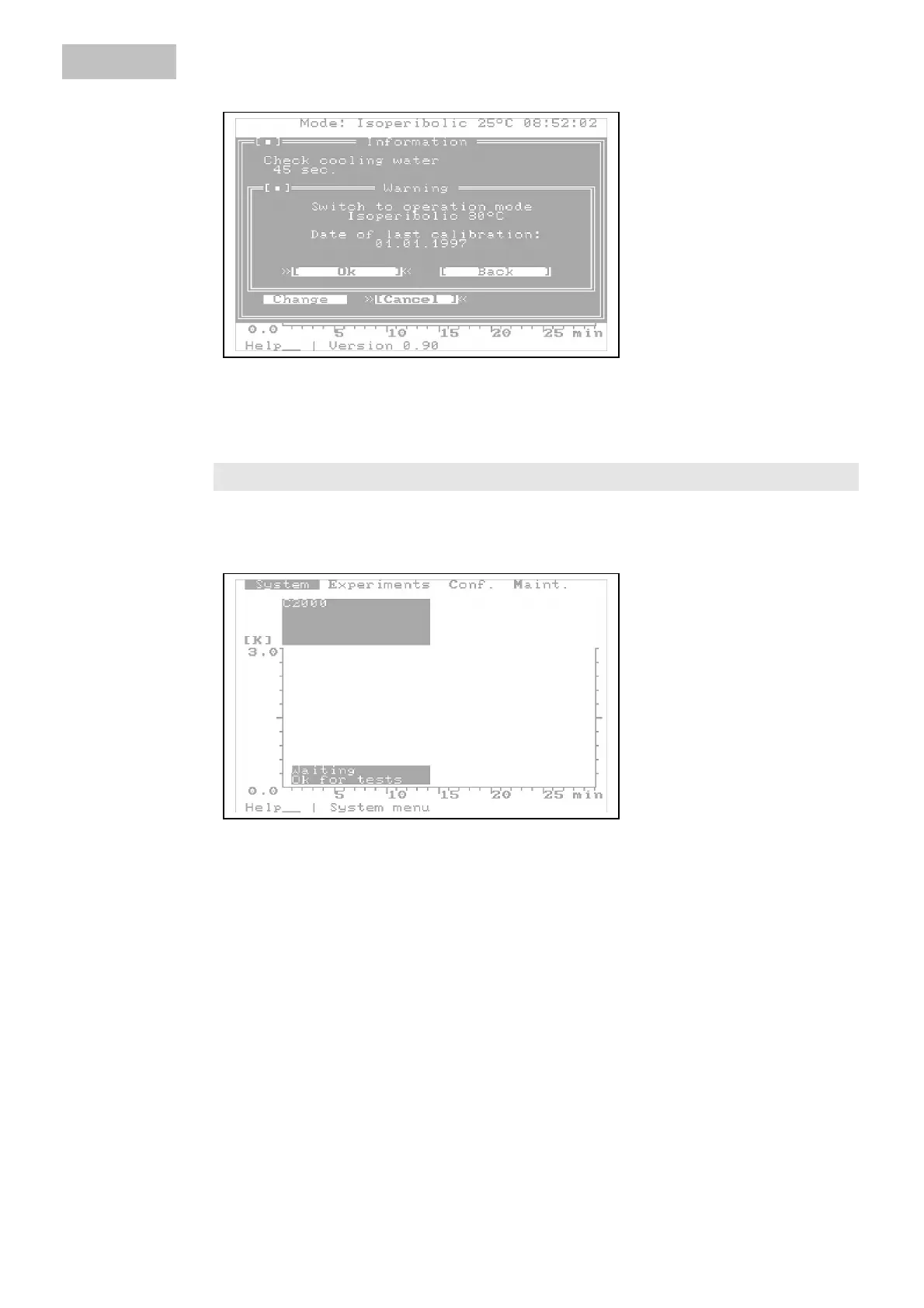
The message is confirmed with 2.; and the system is made ready for operation.
The system check can be continued with %DFN.
&RQILJXULQJWKHV\VWHP
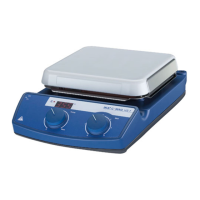
From the main screen you can reach all menu and dialog windows. You can reach
part with the menu line that is called with the 0HQX key or the 'HO key.
With the arrow keys you can move the cursor through the menu line and with the
'RZQ DUURZ key or 2. you can open a menu window and after that a dialog box
with 2.
RIWKHVZLWFK
WRDQRWKHU
RSHUDWLQJPRGH
ZLWKDFWLYDWHG
PHQXOLQH
Artisan Technology Group - Quality Instrumentation ... Guaranteed | (888) 88-SOURCE | www.artisantg.com



 To Next Page