IKA
-WERKE C 2000 basic / control Ver. 04 08.07
3DJH
([SHULPHQWVLPXODWLRQ
In many cases it is helpful to reconstruct gross calorific value experiments or to cal-
culate possible results of experiments without actually performing the combustion
experiment. With the aid of the 6LPXODWLRQ dialog box in the ([SHULPHQWV menu, the
calorimeter system will simulate experiments based on the data you enter.
This option is especially useful if you accidentally perform a calibration instead of a
determination of gross calorific value or vice-versa. By using the increase in tem-
perature of the incorrectly interpreted measurement, it can be corrected by simula-
tion.
c
In the ([SHULPHQWV menu, open the 6LPXODWLRQ dialog box.
d
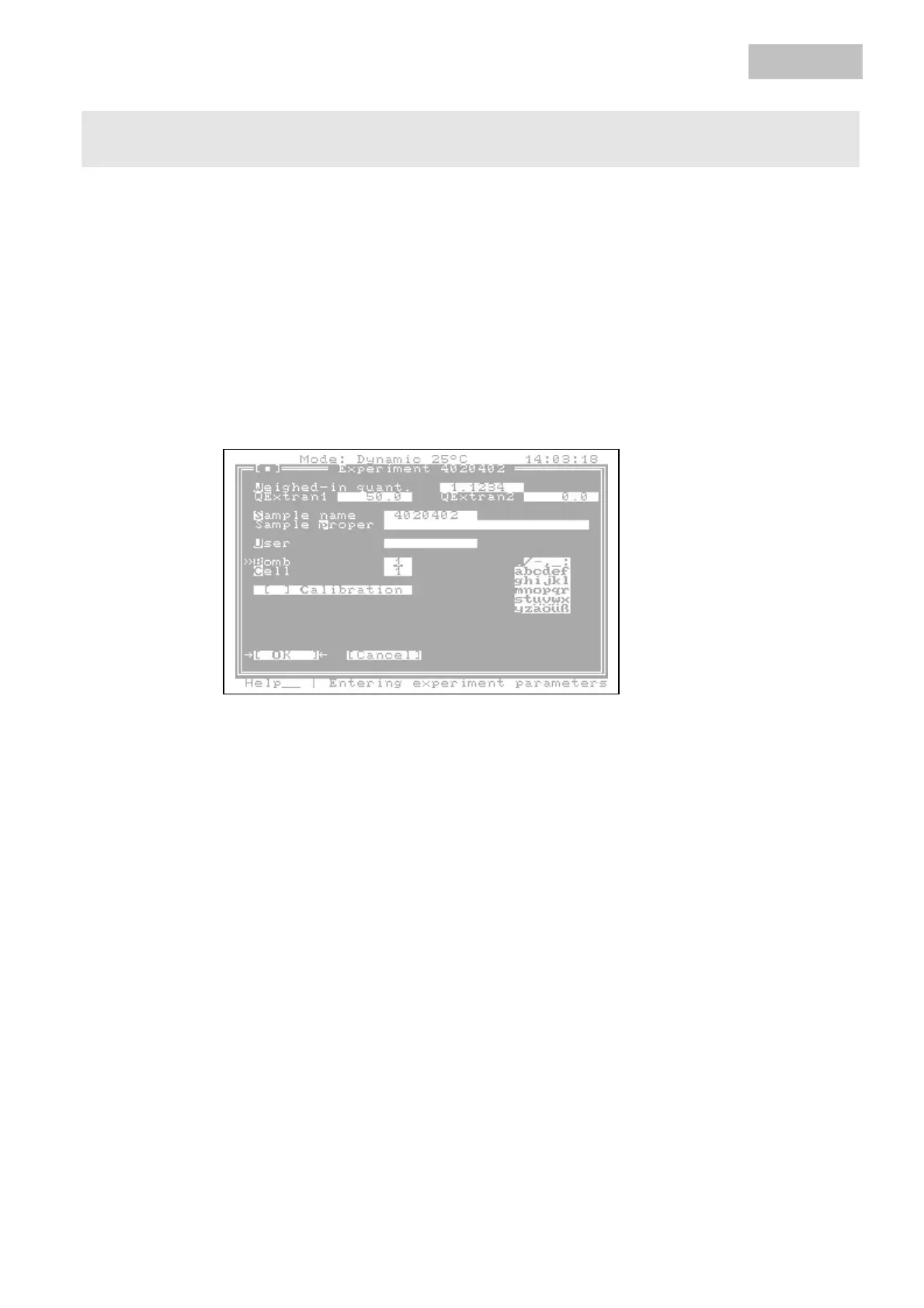
Use 7DE to move the cursor to the input boxes and enter the sample data with which
the simulation is to be performed.
e
If you have confirmed the data with 2., a dialog box appears in which to enter the
simulation parameters.
SDUDPHWHUV
Artisan Technology Group - Quality Instrumentation ... Guaranteed | (888) 88-SOURCE | www.artisantg.com



 To Next Page