EasyManua.ls Logo

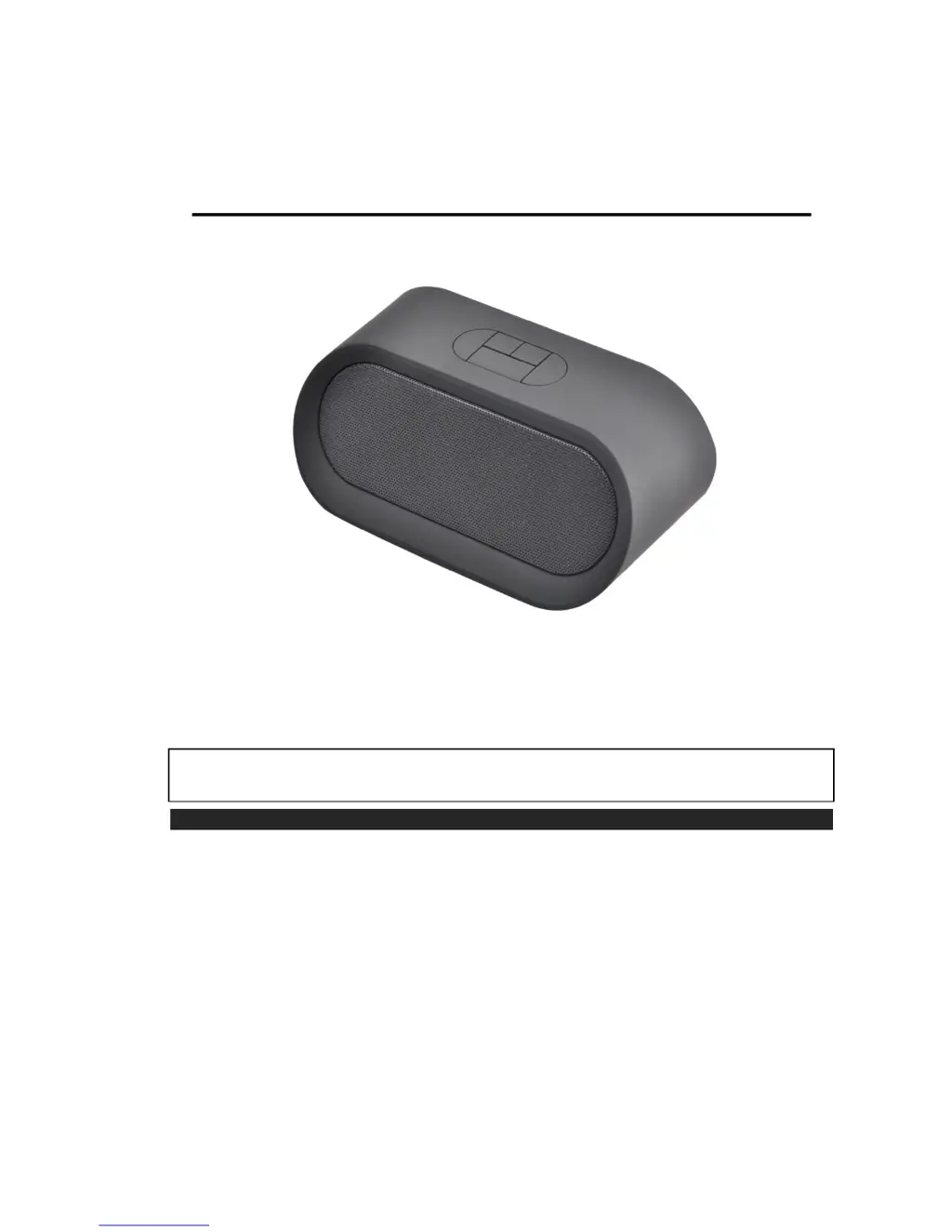
IKUone MXSP-BT04 - User Manual

IKUone MXSP-BT04
6 pages
Print Icon
To Next Page IconTo Next Page
Loading...
IKUone
(MXSP-BT04)
BLUETOOTH
®
SPEAKER WITH NFC FUNCTION
USER MANUAL
PRODUCT FEATURES
The Maxell IKUone is a Bluetooth portable speakerphone with the following
features:
Wireless playback of music from your Bluetooth enabled mobile phone or
devices via the Bluetooth connection
Up to 33 feet (10 meters) line-of-sight operating distance
Hands-free phone conversation
Remotely control your music (play, pause, next track, previous track)
Aux-in connection providing instant 3.5mm stereo audio cable connection to any
device.
PLEASE READ THIS USER MANUAL COMPLETELY BEFORE OPERATING THIS UNIT
AND RETAIN THIS BOOKLET FOR FUTURE REFERENCE.

Questions and Answers

  • J
    jphillipsAug 1, 2025
    What to do if my IKUone MXSP-BT04 have no sound?
    • A
      Anthony SnyderAug 1, 2025
      If your IKUone Speakers aren't producing any sound, there might be several reasons. First, the speaker battery may be dead, in which case you should recharge it. Second, the speaker might not be properly linked with your mobile device; refer to the “Speaker Operations” process to link or pair your device. Third, the speaker could be out of range; relocate it within the Bluetooth operating range of 10 meters (33 feet). Finally, the volume might be set too low; increase the volume on your device.
  • M
    mstewartAug 8, 2025
    Why are my IKUone Speakers not charging?
    • J
      Jennifer JoyceAug 8, 2025
      Your IKUone Speakers might not be charging for a few reasons. The USB power adapter may not be plugged into a wall outlet, or the USB cable may not be properly connected to the micro USB jack on the bottom of the speaker. Ensure the USB power adapter is plugged into a functioning wall outlet and the USB cable is connected to the speaker's micro USB jack. Also, the wall outlet itself might not be working; try plugging another device into the same outlet to confirm it's functional. Lastly, the computer USB port could be malfunctioning; make sure your computer is powered on and try using a different USB port.
  • S
    smithzacharyAug 16, 2025
    What to do if IKUone Speakers sound is distorted?
    • R
      Ryan GonzalezAug 16, 2025
      If the sound from your IKUone Speakers is distorted, it could be due to a couple of reasons. The volume level might be set too high; try decreasing the volume on your device. Alternatively, the sound source itself may be distorted; if the original sound file is of poor quality, distortion and noise are easily noticeable at high volume levels. Try using a music file with better sound quality.
  • B
    Brooke RiveraAug 23, 2025
    What to do if my IKUone MXSP-BT04 get warm?
    • M
      Michelle GonzalezAug 23, 2025
      If your IKUone Speakers get warm after playing at high volume for an extended period, turn the unit off for a while or lower the volume.

Summary

Product Features

Getting Started

Location of Controls

Charging Instructions

Charging the Battery for First Time

Instructions for charging the built-in Lithium battery before initial use.

Recharging the Internal Battery

Guidance on how to recharge the internal battery after prolonged use.

Speaker Operations

Charging in Power ON Mode

LED indicator status and charging time considerations when the speaker is powered on.

Charging in Power OFF Mode

LED indicator status during charging when the speaker is powered off.

Battery Note and Care

Important safety precautions and guidelines for handling and caring for the unit's battery.

Pairing (Linking) a Bluetooth Enabled Mobile Phone or Other Bluetooth Enabled Device to the IKUone

Step-by-step guide to connect the speaker to Bluetooth devices for the first time.

ON;OFF

Using the IKUone as a Hands-free Bluetooth Speakerphone

Re-linking to your mobile phone

Volume Control

Remote Control Music Tracks

Aux in Jack

Tap to Link with NFC

Care and Maintenance

Cleaning Your Speaker

Guidelines on how to properly clean the speaker unit.

Troubleshooting

Specifications

IKUone MXSP-BT04 Specifications

General IconGeneral
ModelMXSP-BT04
CategorySpeakers
ConnectivityBluetooth
Frequency Response18kHz
Bluetooth Range10 meters