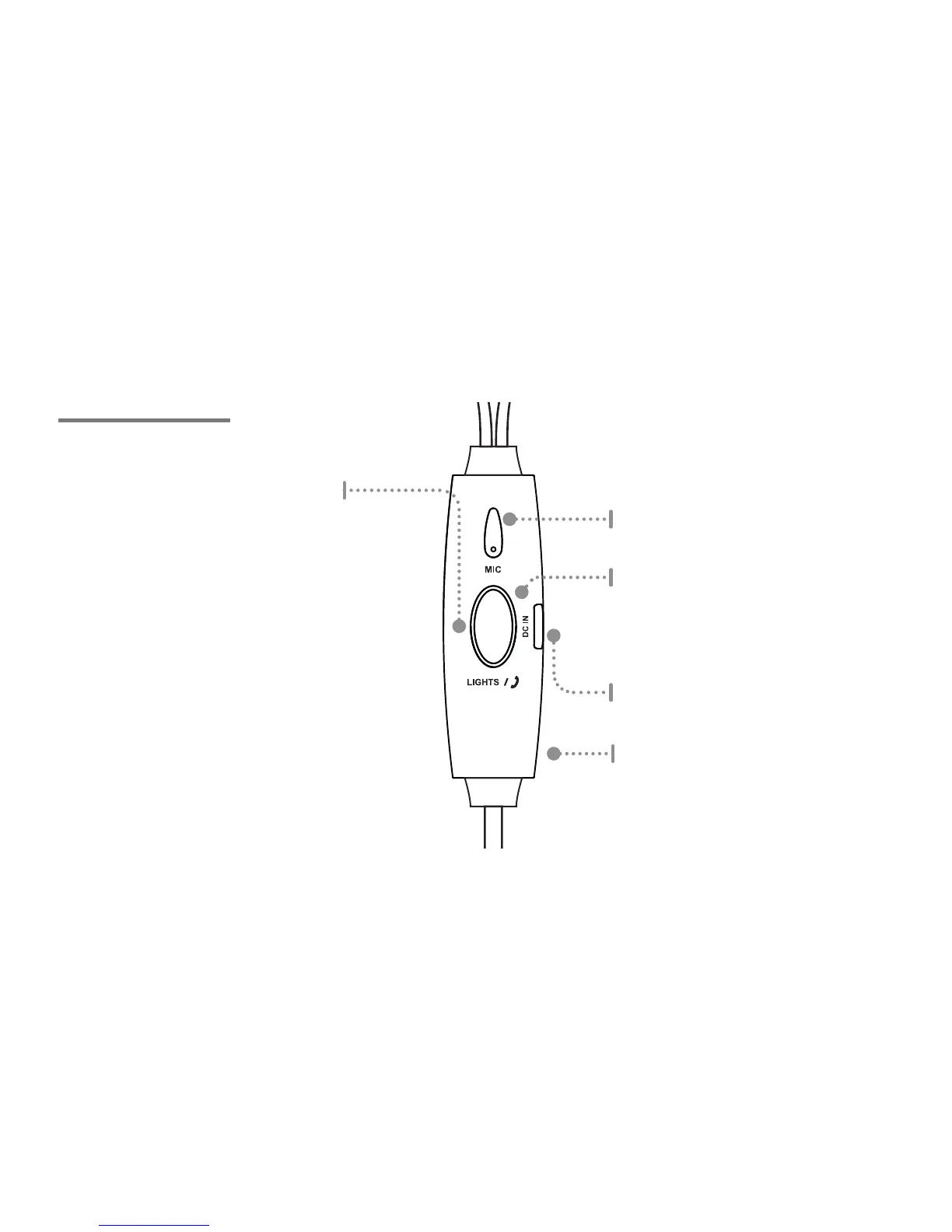
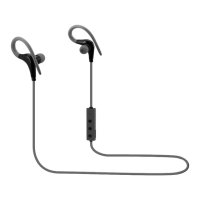
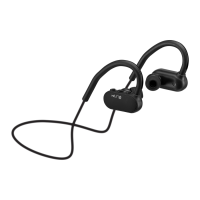
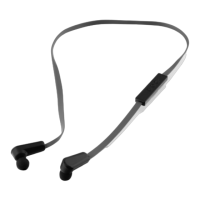
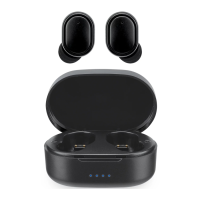
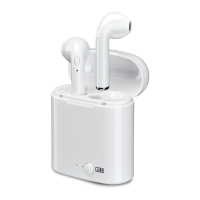
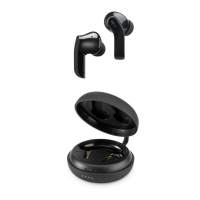
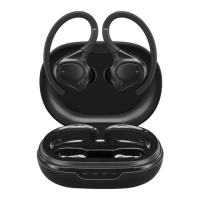
CONTROLS
Battery Charge Indicator
Displays RED when charging.
Turns o when fully charged.
Lights/Play/Pause/Answer
Press and hold for 3 seconds for reactive mode.
Press and hold for 3 seconds to turn the lights o.
Press and hold for 5 seconds for constant mode.
Press and hold for 3 seconds to turn the lights o.
Press to play or pause an audio track.
Press to answer an incoming call.
NOTE: It is not possible to switch the lights
directly from reactive to constant mode, they
must be powered o rst.
Micro-USB charging Port
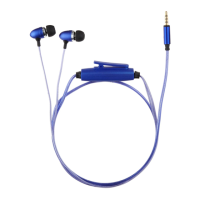
Clip (rear)
Mic


 To Next Page