BATTERY POWER
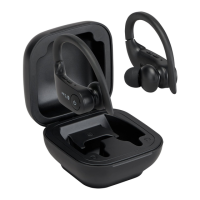
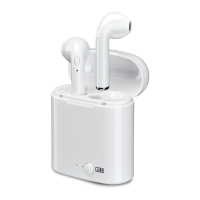
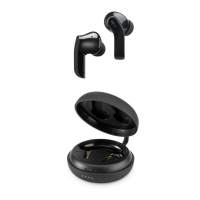
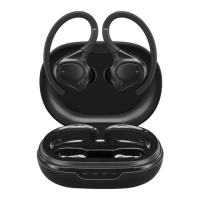
To charge the earbuds, connect the included Micro–USB to USB cable to a USB
port on a powered computer, or other USB power source. Charge fully before use.
When charging, the unit will display a red indicator light.
When the earbuds are fully charged, the red indicator light will turn o.
NOTE:
For safety reasons, please do not use the earbuds while they are charging.


 To Next Page