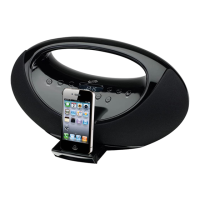
Connecting to an Audio Player using the Aux Input
11
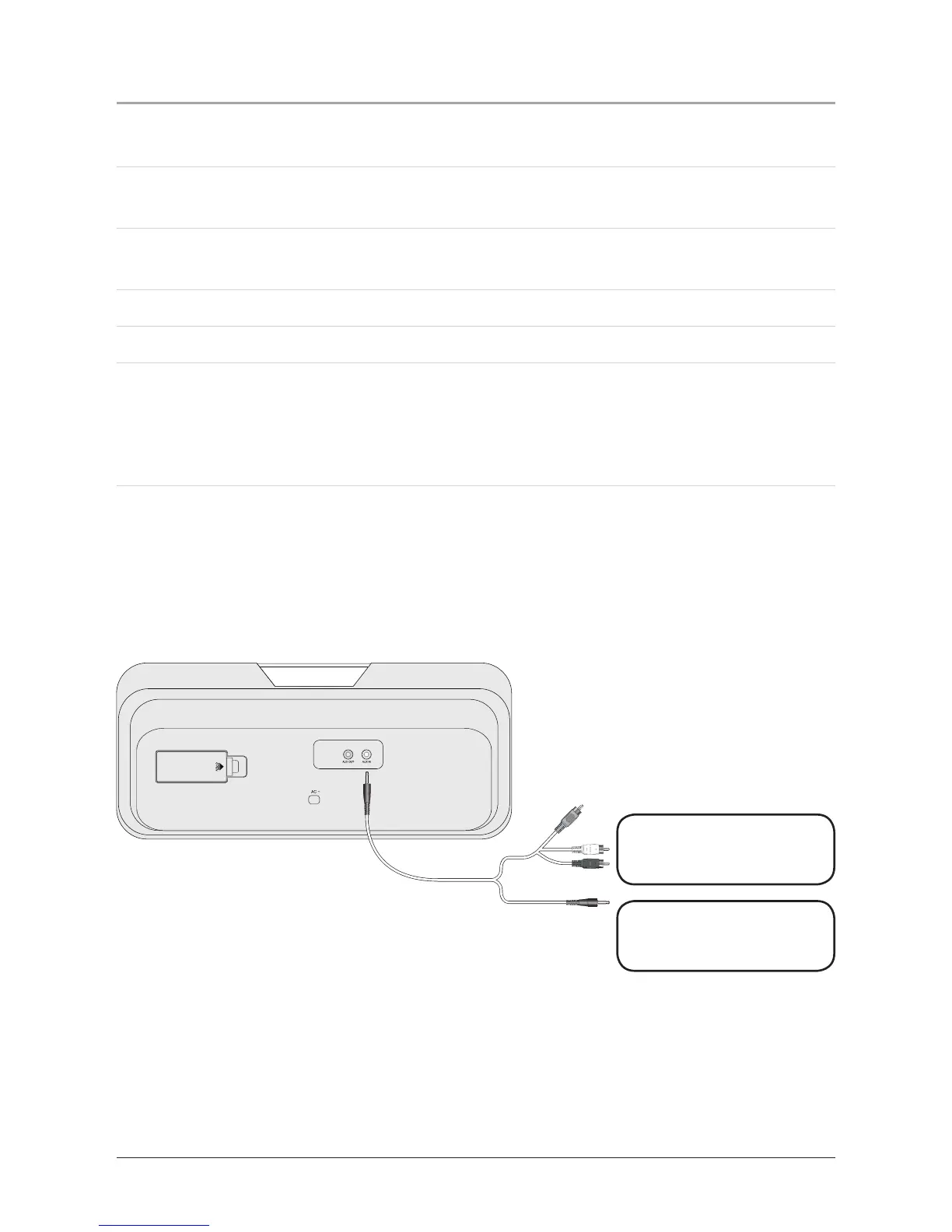
When connecting two products using an RCA Cable, match the colored ports with
thesamecoloredconnection.(RedtoRed,WhitetoWhite,andYellowtoYellow)
1. Plug one end of a 3.5 mm Cable (not included) or a 3.5 mm - RCA Cable (not
included) into the AUX (Auxiliary) Input on the unit.
2. Plug the other end of the 3.5 mm Cable into the audio output/headphone output on
an Mp3 Player or Other Audio Source.
3. Press the Standby/Play/Pause Button to turn the unit on.
4. Remove any docked iPod’s from the Docking Station.
5. Audio played from the Mp3 Player or Other Audio Source will now be heard on
the unit.
If connecting to the headphone output of an audio source, the source’s volume
controls may need to be adjusted for optimal sound.
Other Audio Source
Mp3 Player
3.5mm Cable
Composite
RCA Cable
3.5mm Cable



 To Next Page