9
Setting the Clock
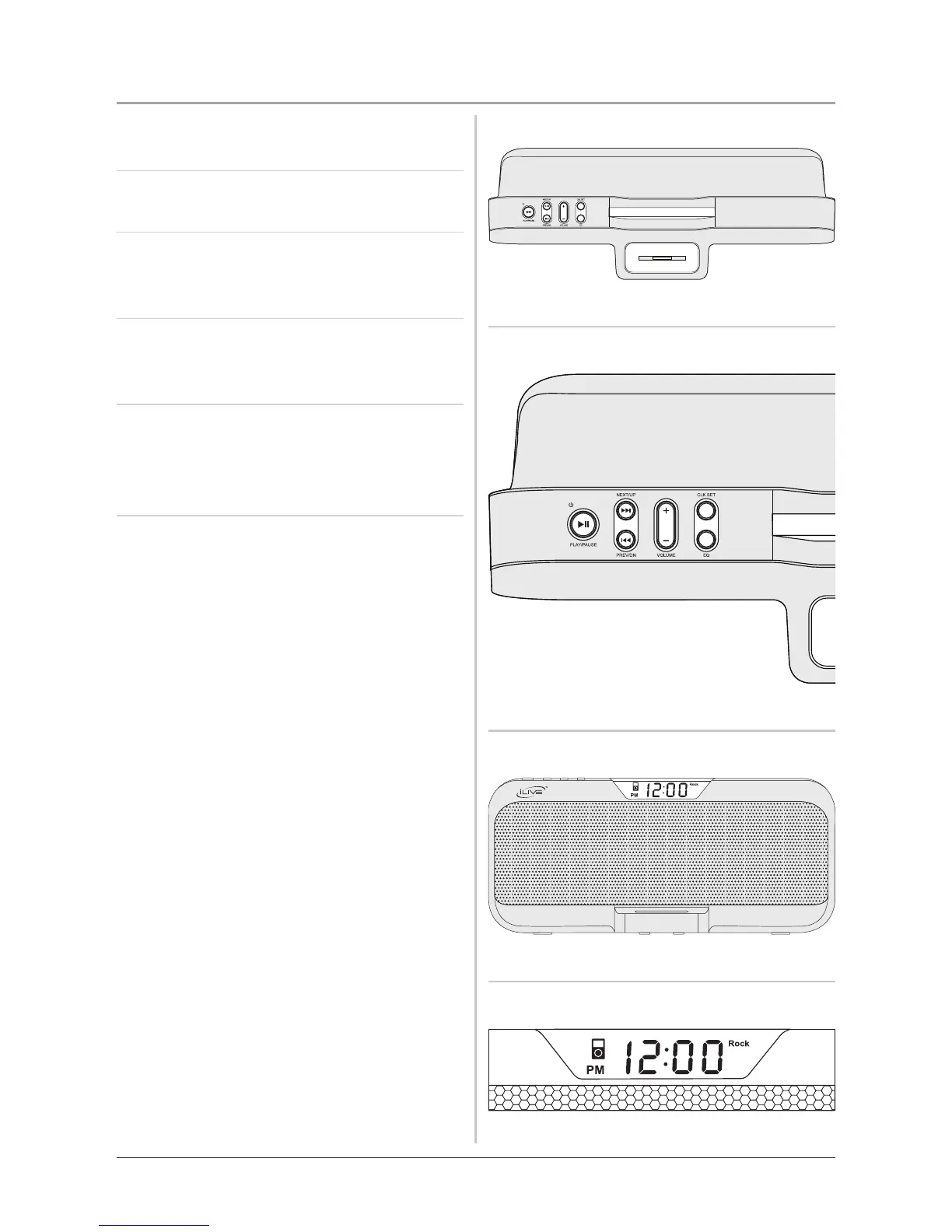
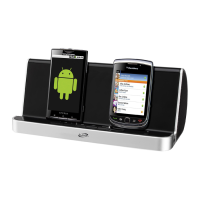
1. Press the Standby/Play/Pause
Button to turn the unit off.
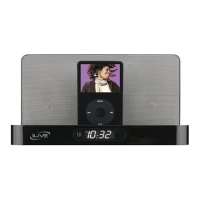
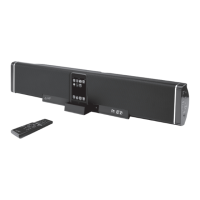
2. Press and hold the Clk Set Button
until the display ashes.
3. Press the Next/Up and Prev/Dn
Buttons to select 12 or 24 Hour
clock. Press the Clk Set Button.
4. Press the Next/Up and Prev/Dn
Buttons to adjust the hour. Press the
Clk Set Button to set the hour.
5. Press the Next/Up and Prev/Dn
Buttons to adjust the minute. Press
the Clk Set Button to set the adjusted
time.



 To Next Page