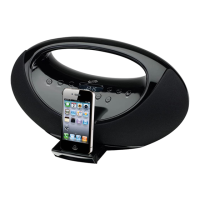
Playing an iPod
8
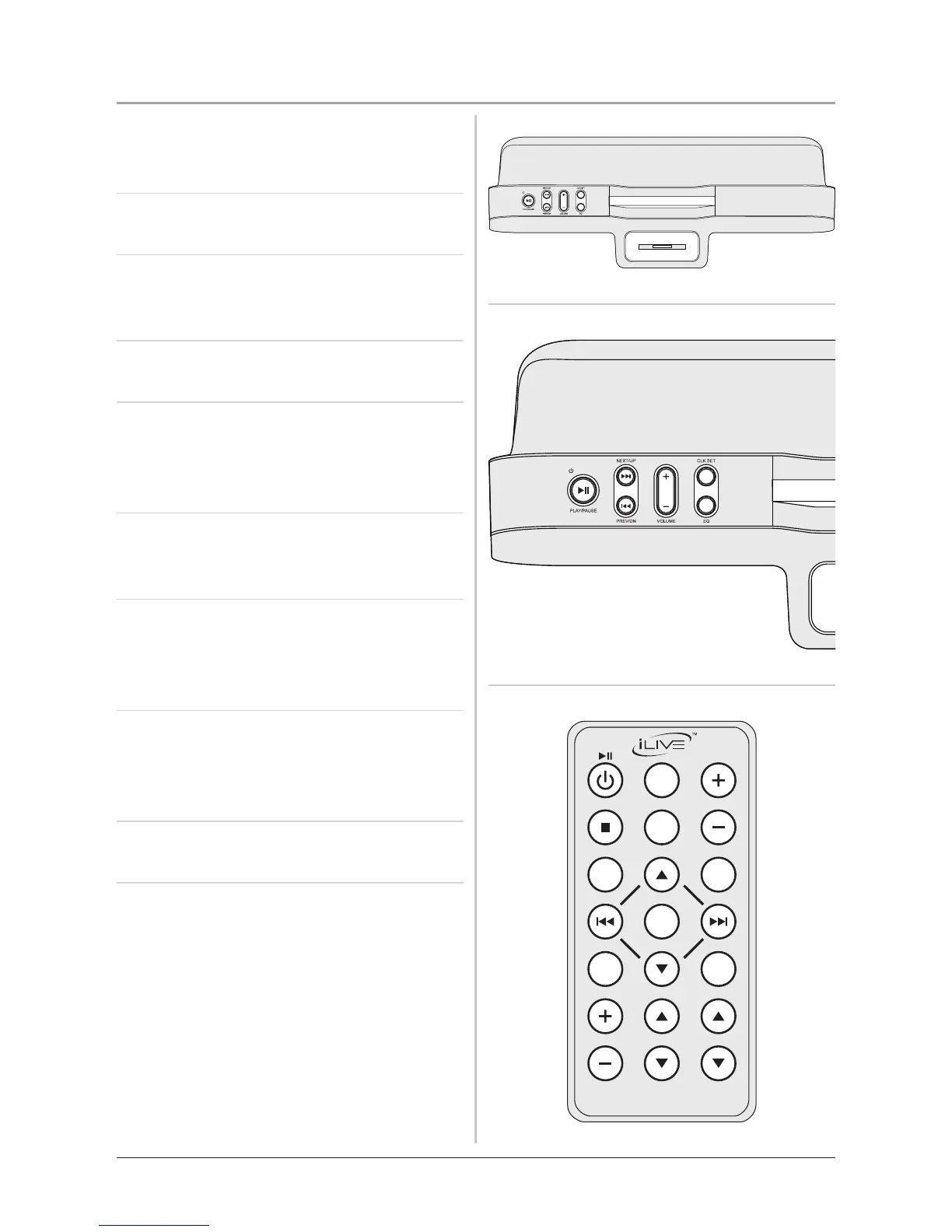
1. Connect an iPod to the Docking
Station. (See“DockinganiPod”on
page6)
2. Press the Standby/Play/Pause
Button to turn the unit on.
3. Press the Standby/Play/Pause
Button to begin playing the docked
iPod.
4. Press the Volume Buttons to increase
or decrease the volume of the unit.
5. Press the Next/Up and Prev/Dn to
skip tracks. Press and hold the Next/
Up and Prev/Dn to search through
individual tracks.
6. Press the EQ Button to cycle through
the preset equalizer settings on the
unit (Rock,Classic,Jazz,orPop).
7. Press the Chapter, Album, or
Playlists Buttons on the remote
to navigate through the chapters,
albums, or playlists on a docked iPod.
8. Press the Menu ▼ Button, Menu
▲ Button, and Select Button on the
remote to navigate the iPod’s menu
and make selections.
9. Press the Shuffle Button on the
remote to turn the shuffle option on.
10. Press the Repeat Button on the
remote once to repeat the current
audio track and twice to repeat an



 To Next Page