8
Tuning the AM/FM Radio
1. Turn the unit on by pressing the
Power Button.
2. Press the Source Button to switch the
unit to radio mode.
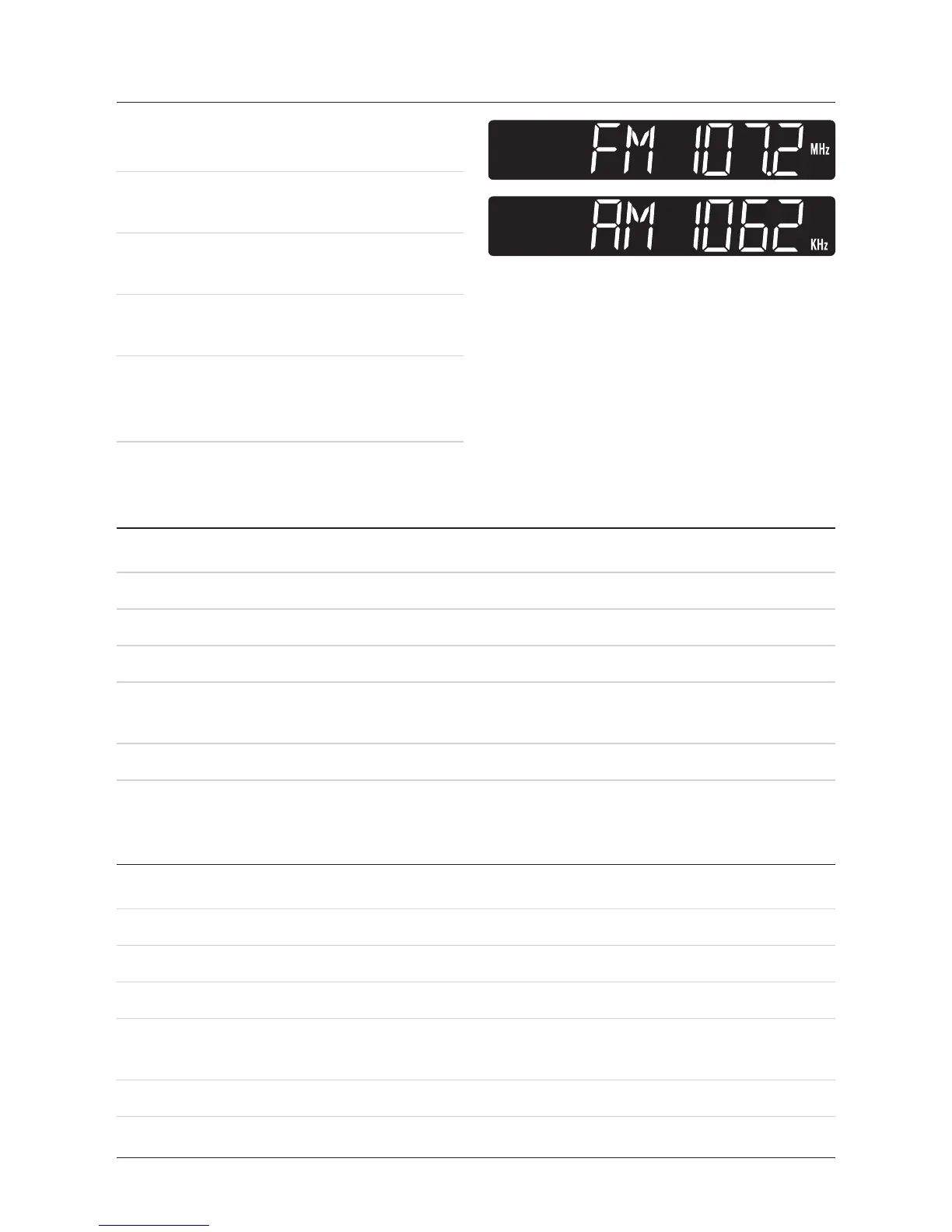
An AM or FM will appear on the LCD
Display to indicate radio mode.
3. Press the Tuning Buttons to tune the
AM or FM radio.
4. Press the Volume Buttons to adjust
the volume of the audio output from
the unit.
Saving AM/FM Radio Stations to the Units Memory
1. Tune the AM/FM Radio to the desired radio frequency.
2. Press and hold the Play Button.
TheLCDdisplaywillshow“MEM01”.(“MEM”willash)
3. Press the Play Button repeatedly to select from MEM 01 to MEM 10.
4. Press and hold the Play Button to save the current radio frequency to the selected
memory station.
5. Press the Play Button repeatedly to select stored radio stations.
Saving AM/FM Radio Stations using the Remote
1. Tune the AM/FM Radio to the desired radio frequency.
2. Press and hold the Menu Button.
TheLCDdisplaywillshow“MEM01”.(“MEM”willash)
3. Press the Menu Button repeatedly to select from MEM 01 to MEM 10.
4. Press and hold the Menu Button to save the current radio frequency to the
selected memory station.
5. Press the Menu Button repeatedly to select stored radio stations.


 To Next Page