Illustra Pro PTZ Outdoor Housing
13
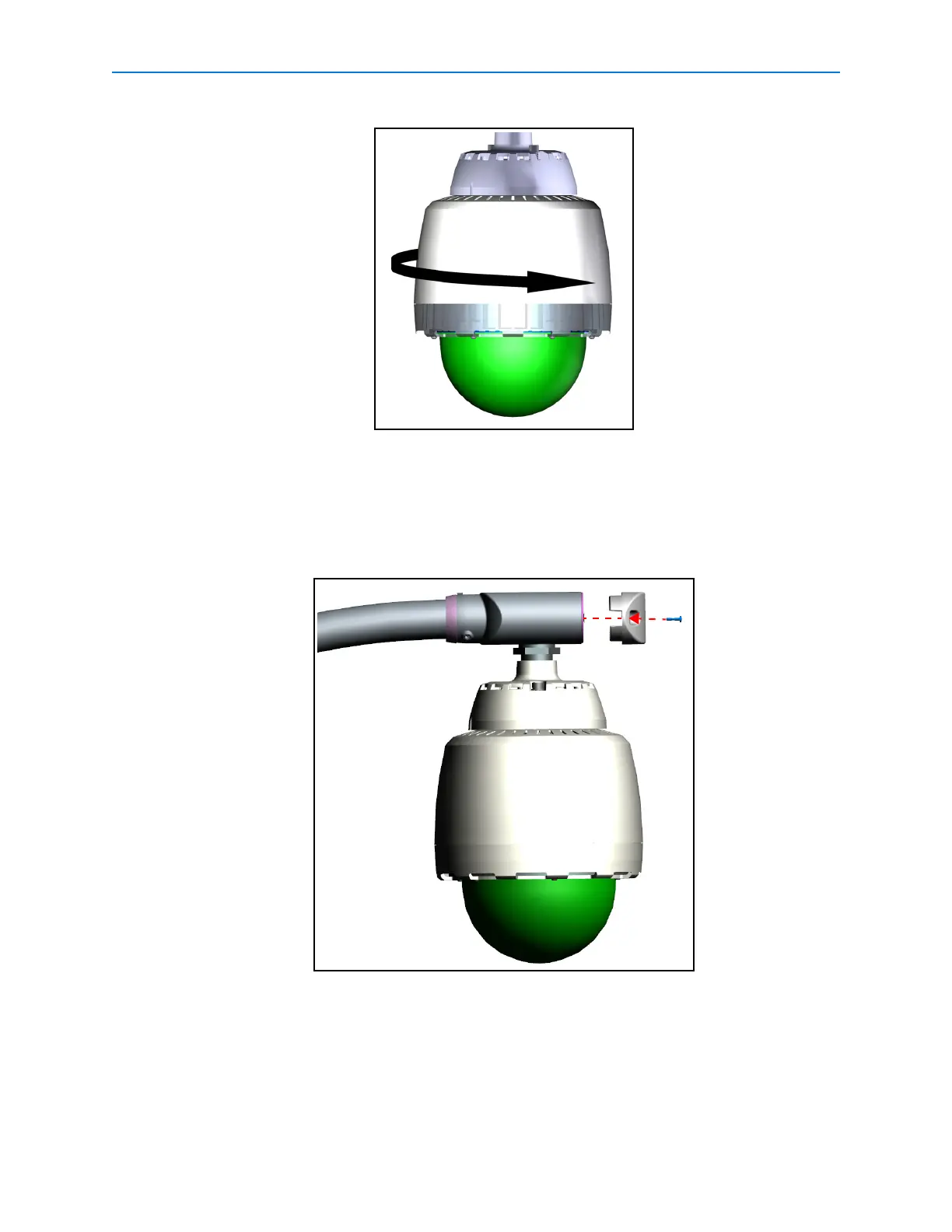
Figure 18
The camera housing is now supported.
19 Tighten the two M8 screws highlighted in Figure 3 in the pendant adapter using the HEX
L-Key Tool, to fully secure the outdoor camera housing.
20 Push any excess cable into the EndCap and replace the access cover as seen in Figure
19.
Figure 19
21 Terminate the power cable using the ADSPOT (recommended) power supply. Refer to
8200-2573-29 ADSPOT Single-Position Outdoor Transformer Installation Guide for details
on connecting the cables.


 To Next Page