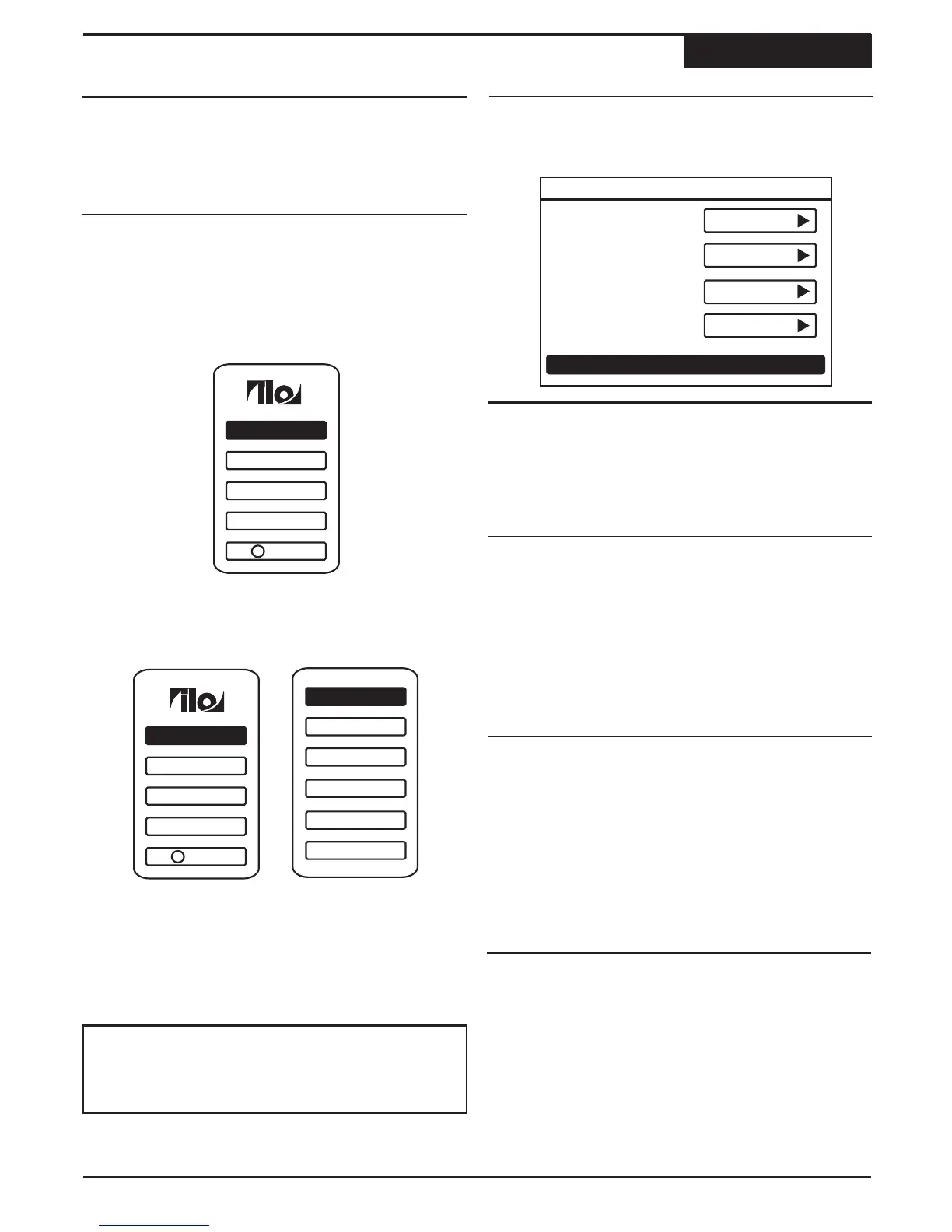
The DVD Recorder's SETUP MENU is where various
settings are configured, including setting the Clock,
Recording Options, Playback Options, Languages,
Parental Control Settings and more.
Changing Setup Options
Setup Menu
About the SETUP MENU
Using the SETUP MENU
It's easy to change the recorder's settings with the
SETUP MENU. To demonstrate, let's change the TV
SHAPE setting to 16:9, as you would if you were using
the recorder with a WIDESCREEN TV.
Use the 5/6 keys and press ENTER on the
desired feature. A sub-menu appears. (At this point,
you could return to the main menu with the 3key.)
4
To change or select features, use the 5/6 and
3/4 keys to select an option. Press the 3key to
return to a previous level and the SETUP key to exit
altogether.
3
Select the desired sub features with the 5/6 keys
and use the4to navigate.
OSD
Default DVD Audio
English
Press RETURN to exit
Language
Default DVD Menu
English
English
1
Press SETUP to enter the SETUP MENU.
22
TV Channel
Schedule
Help
A/V Output
General
?
TV Channel
Schedule
Help
A/V Output
General
?
2
¤
Depending upon the disc, some Setup Menu
selections are not available.
Note
The DVD Recorder's language setup options including
OSD, menu, audio and subtitles.
Default DVD Audio
Default DVD Subtitle
Off
Version
Restore
Recording
Language
Rating
Clock
Default setting: ENGLISH
Sets the language used by the SETUP MENU and ON-
SCREEN DISPLAY. ENGLISH (Default) and SPANISH
are supported.
Default setting: ENGLISH
Sets the default language used by DVD Menus. As an
example, if a DVD disc contains multiple menu
languages, such as Spanish and English, and this
setting is set to SPANISH, then the Spanish menu will be
used. The DVD must support multiple menu languages
for this setting to work. Choices are: ENGLISH,
SPANISH and FRENCH.
Default DVD AUDIO
Default setting: ENGLISH
Sets the default audio track used by DVDs. For
example, if a DVD disc contains multiple audio tracks,
such as Spanish and English, and this setting is set to
SPANISH, then the Spanish audio track will play as the
default. The DVD must support multiple menu languages
for this setting to work. Choices are: ENGLISH,
SPANISH and FRENCH.
OSD
Default DVD Menu
Default DVD Audio
SUBTITLES
Default setting: OFF
Sets the default subtitle language used by DVDs. For
example, if a DVD disc supports multiple subtitle
languages, such as Spanish and English, and this
setting is set to SPANISH, then Spanish subtitles will be
displayed by default. The DVD must support the
language selected for this setting to work. Choices are:
ENGLISH, SPANISH, FRENCH and OFF.
Default DVD Subtitles
General - Language Settings



 To Next Page