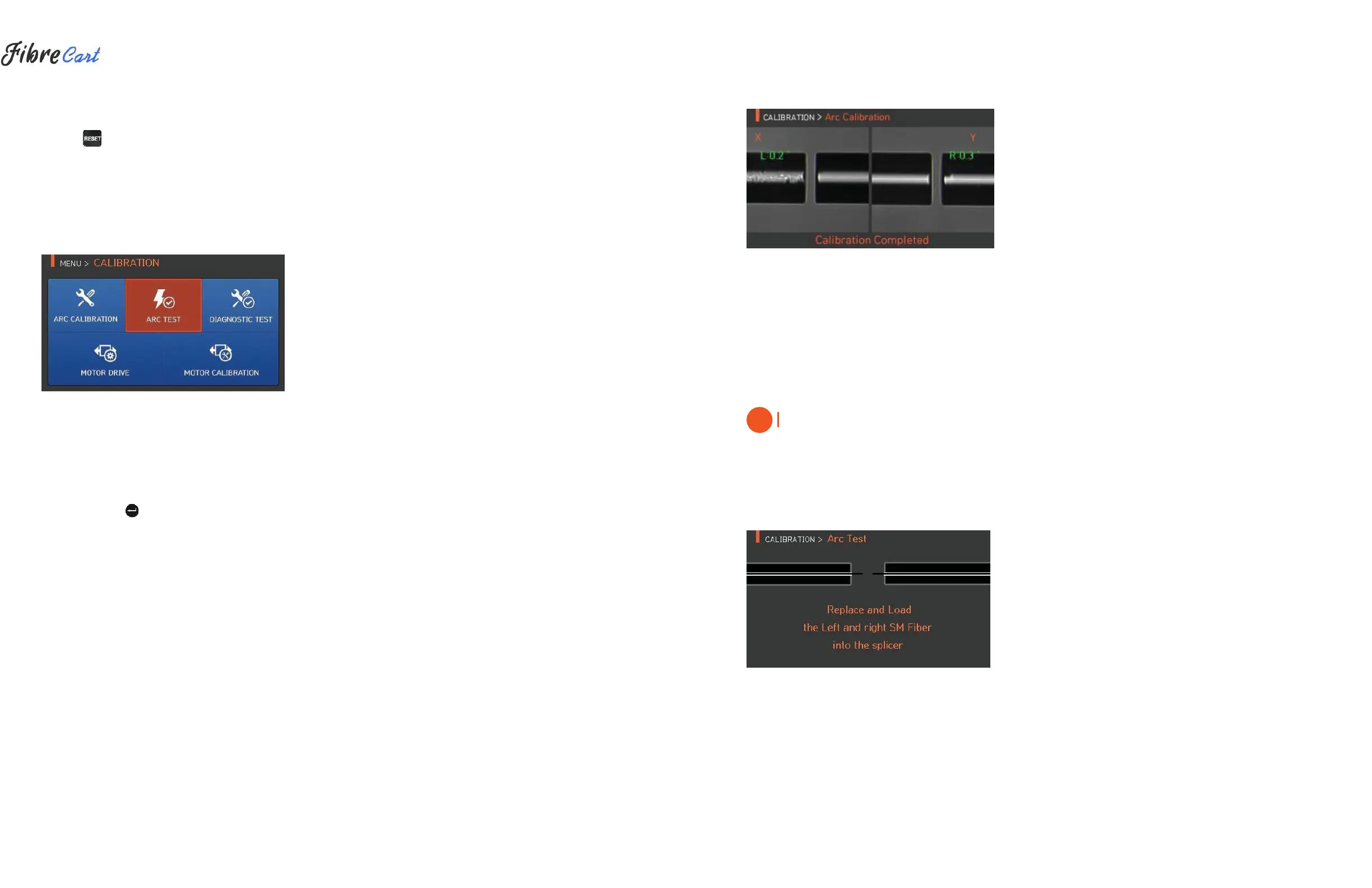
3| When arc calibration is completed, the following screen is displayed.
4| Press
to stop arc before calibration is completed if necessary.
6.5.2
ARC TEST
Swift KF4 measures by ARC TEST menu if arc power is adequate. When arc power is too weak or too strong it is
automatically adjusted by executing ARC CALIBRATION menu.
CAUTION
Only SM fiber should be used for arc calibration.
1| Prep and insert SM fiber into the splicer using clamps or proper fiber
holders.
2| Press
as follows.
36



 To Next Page