Stereo Audio System for Your iPod V10M10_IM_EN_12072007
www.i-Luv.com - 21 -
BluePin
TM
Setup and operating Instructions-continued
8. To pair with cell phones, PDA, or other devices with the BluePin
TM
(RCV Mode):
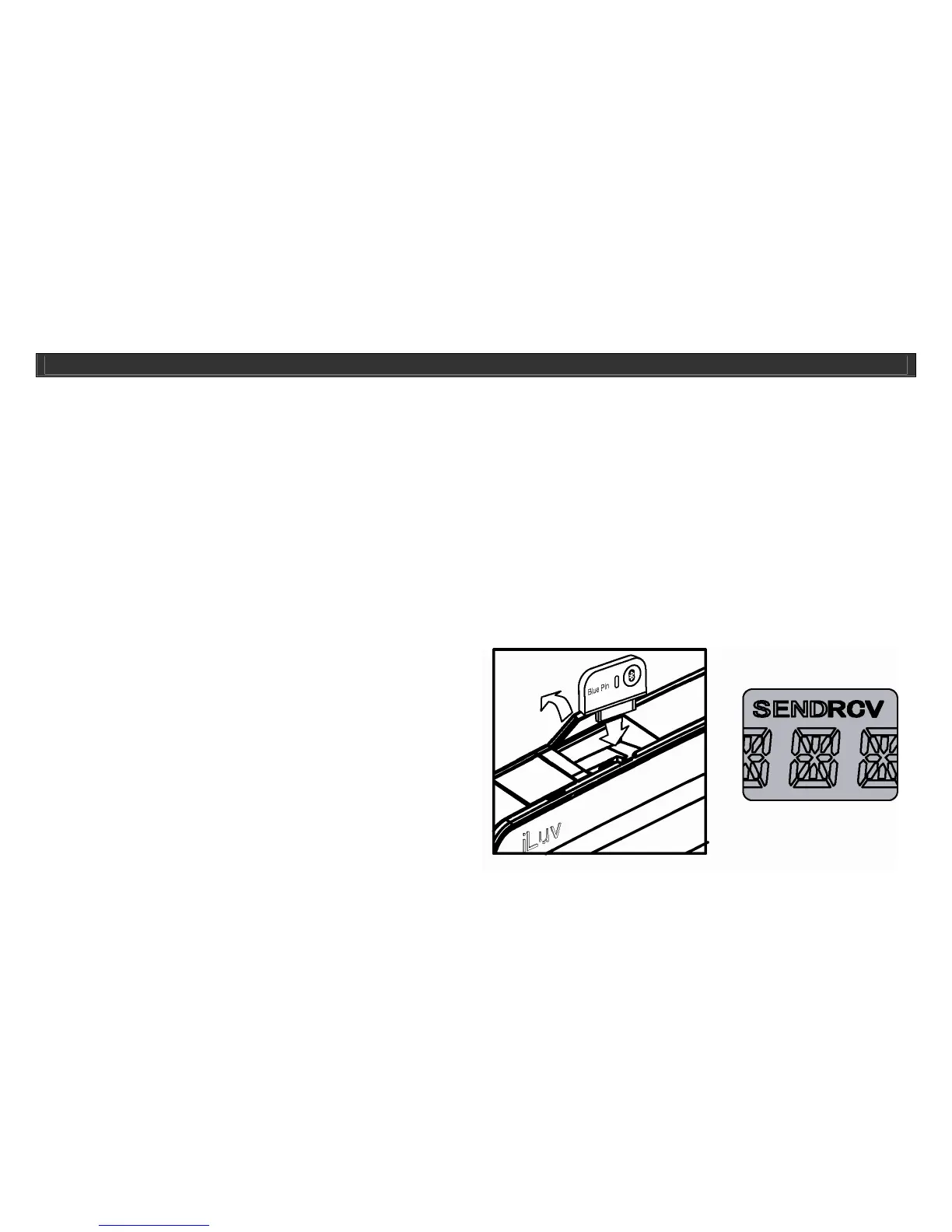
• First connect the BluePin
TM
to i399/i398’s BluePin
TM
port.
• Ensure that BluePin
TM
is powered on and press the SEND/RCV button on the right side of BluePin to select the working mode (Receive).
• Push and hold the pairing button of i399/i398 or remote control until button displays blue and red light flashing.
• From your cell phone or other devices, go to Bluetooth setup in the devices menu. Depending on the devices menu will differ.
• Do a search for devices, when initiated your device will look for any devices with Bluetooth technology in the area.
• When the search is done you will see a device named i120. Select the device and your device will prompt for password.
• The default password for our BluePin
TM
unit is “0000”, enter password and your device will let you know if pairing was successful.
• Once connected, you will be able to play the songs from MP3 cell phones or other devices with Bluetooth technology and hear it from
our i399/i398 unit.
• You can use the PLAY/PAUSE, SEARCH/SKIP buttons of i399/i398 to remote control the MP3 cell phones or other devices that
support AVRCP profile.
Note: Depending on the device these functions might be disabled due to software issues.
9. Speakerphone operations.
z First connect the BluePin
TM
to i399 and set to RCV
mode, the “RCV” icon will display on LCD.
Note: Illustrations on these pages depict the first version of the BluePin.
This unit, however, supports BluePin 2 (i120). This does not effect the
operational instructions listed here.
OPERATIONAL INSTRUCTIONS



 To Next Page