EN - 21
‘YES’ or ‘NO’. Select an option for ‘X’ and
press the Confirmation button again to
save your selection. If the factory settings
are restored, the machine will return to the
following settings:
1. Language : English
2. Water hardness : L3
3. Volume : L2
4. Brightness : L2
5. Eco mode : No
Child Lock
After starting a programme, simultaneously
press the Up and Down Selection buttons
(6, 7) for 3 seconds. The display will show
‘Keep Pressing..X’ until the 3 seconds is
complete. After this, the Child Lock will
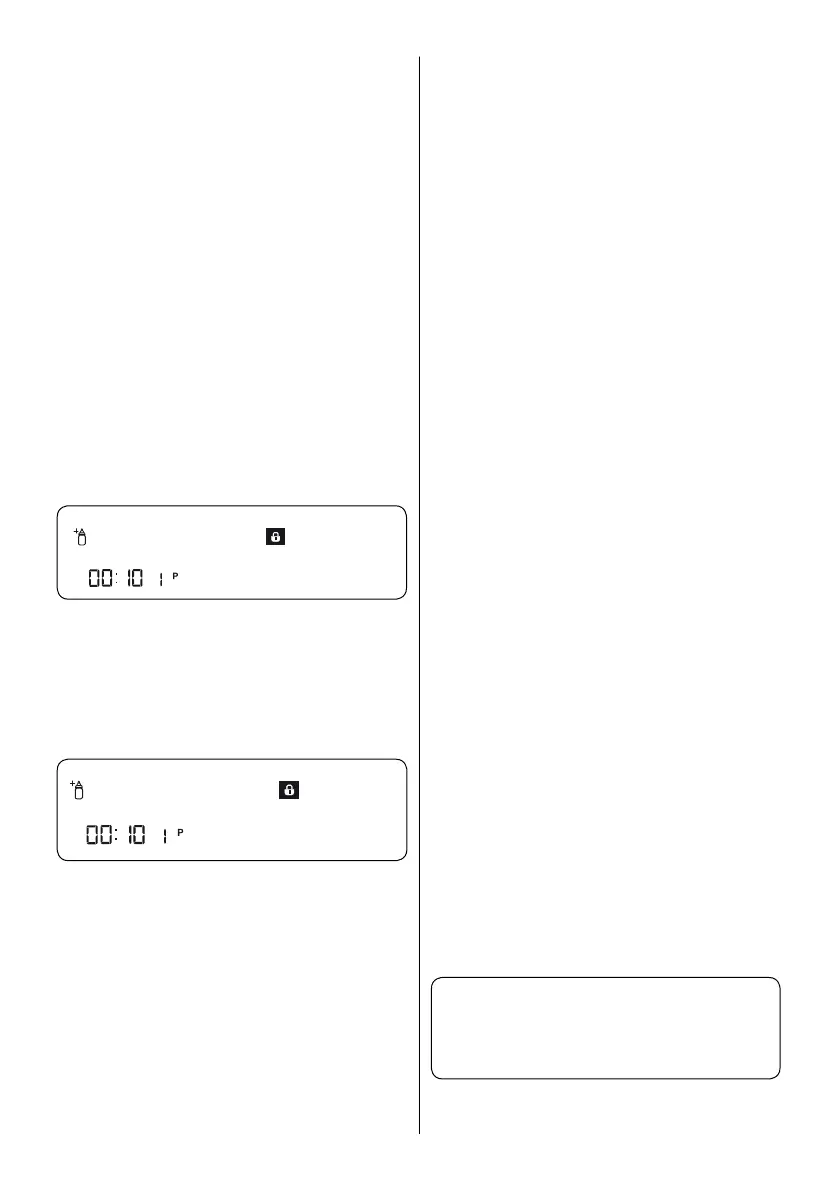
activate, ‘Child Lock ON’ will show on the
display and the Child Lock Indicator (16) will
illuminate. While the Child Lock is active, all
buttons will deactivate.
Child Lock ON
To cancel the Child Lock, simultaneously
press the Up and Down Selection buttons
(6, 7) for 3 seconds. The display will show
‘Keep Pressing..X’ until the 3 seconds is
complete. After this, the Child Lock will
deactivate, ‘Child Lock OFF’ will show on
the display and the Child Lock Indicator (16)
will switch off.
Child Lock OFF
Delayed Start (Snooze)
The start time of a programme can be
delayed for up to 24 hours. It is not
possible to set a delayed start time after a
programme has started.
1. Press the Delay button (4)
2. The hour ‘00:00’ will show on the
Display Information Line (20) and the
Delay symbol (17) will flash.
3. Use the Up and Down Selection
buttons (6, 7) to set the delay time.
The Up Selection button (6) increases
the time by 1 hour while the Down
Selection button (7) decreases the time
by 1 hour.
Press the Start/Pause button to start the
delay timer. The Delay symbol (17) will
remain illuminated during this period. The
Remaining Time/Delay Time (18) Indicators
display the delay time. When the delay
time is complete, the selected programme
will start. The display will show the time
remaining of the programme in operation.
Changing a Programme or Function on
Delay
Press the Start/Pause button (5) to pause
the machine. The delay timer will stop and
‘program paused’ and ‘Delay timer active’
will show on the display. If the buttons are
pressed without pausing the machine, a
warning will be displayed, such as ‘Delay
timer active’ or ‘invalid’.
If the Snooze is paused, programmes and
additional functions may be selected.
Press the Start/Pause button (5) once more
to resume the delay timer.
To cancel or adjust the delay time when
the machine is on Snooze;
To reschedule the delay time, press
the Start/Pause button (5) to stop the
countdown. Then, press the Delay button
(4) to open the Delay menu. Use the Up
and Down Selection buttons (6, 7) to set
a new delay time. Press the Start/Pause
button (5) to start the new timer.
To cancel the delay setting
Press and hold the Start/Pause button for
3 seconds. The display will show ‘Program
Cancelling .. X’ for the 3 seconds. The delay
time will be cancelled.
Warning Messages
Your machine will provide feedback while
in operation. The following are examples of
warning messages.
Turn on the Tap
When the above warning shows:
1. Make sure water is available



 To Next Page