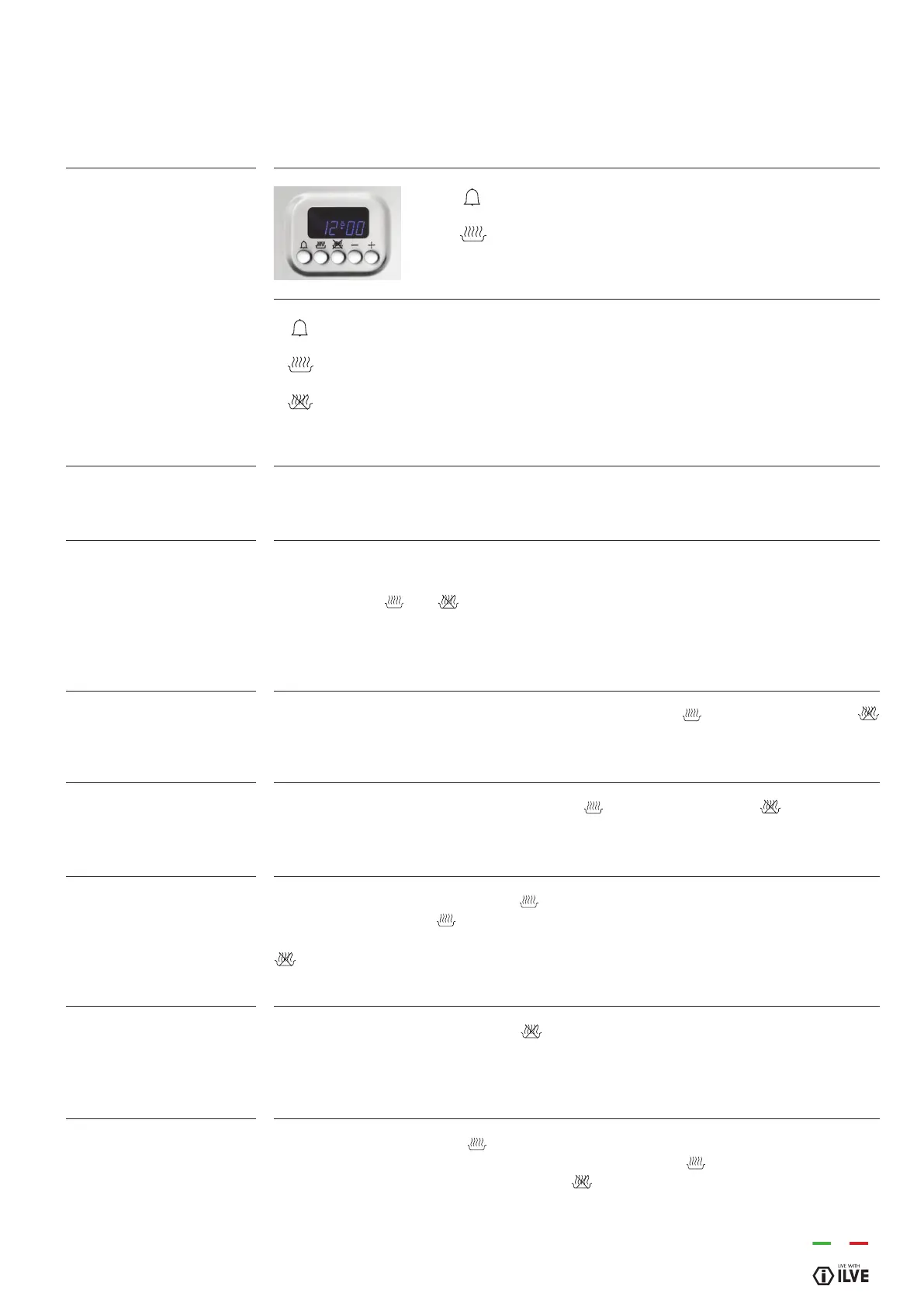
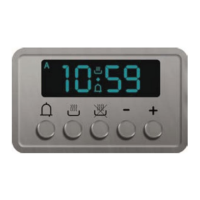
Select the desired function by pressing the corresponding button and set the time using
the +/- buttons.
At rst power up, the display shows the ashing clock that increases by one unit every
minute. Follow the “Setting the clock” procedure in the next paragraph.
By pressing the
and
buttons simultaneously you enter the “Manual operation”.
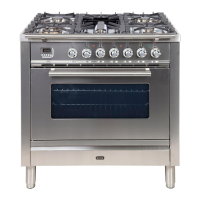
You can set the temperature using the thermostat knob (T) and select the function using
the selector (S).
The clock function is activated by simultaneously pressing
and cooking duration
end buttons. The time is then set by adjusting the +/- keys. Any previously set programs
are automatically deleted.
To set this function simultaneously press the
cooking duration and
end buttons.
The “A” symbol goes out and the pan symbol appears. The previously set programs are
deleted.
Select the duration function (button ) and set the time with the +/- buttons. The “A”
symbol and the symbol appear. The oven switches on. When the hour of the day
coincides with the nal time, viewable through the end of cooking button
, the oven will turn off and the pan symbol will disappear. The buzzer will sound.
The “A” symbol will ash.
Select the duration function (button
) and set the end time with the +/- buttons. The
“A” symbol and the pan symbol appear. The oven switches on. When the hour of the
day coincides with the nal time the oven will turn off and the pan symbol will disappear.
The buzzer will sound. The “A” symbol will ash.
Select the duration function and set the end time with the +/- buttons. The “A”
symbol appears. The oven switches on and the pan symbol appears. Set the end
time by pressing the end of cooking button . Use the +/- buttons to set the end time
actually required. The oven switches off and the pan symbol disappears.
The pan symbol will appear again when the time of day coincides with the end time less
the cooking time.
INSTRUCTIONS FOR USE
MP models with 5 key programmer
Functions
Timer
Duration and manual function
Automatic program
Display
Setting a function
Appliance operation
Setting the clock
Manual function
Semi-automatic operation
with cooking duration
Semi-automatic operation
with end of cooking
Automatic operation
with duration and end of
cooking
Button for timer and buzzer
Automatic cooking duration
Setting cooking end time
Decrease / Increase the selected parameter
13
OPERATION / USER


 To Next Page