Check the installation
The installation is successful when the indicator light (LED) on the front of the
Disc Stakka stays lit and the OpdiTracker icon appears in the Windows taskbar
or Mac OS X Dock.
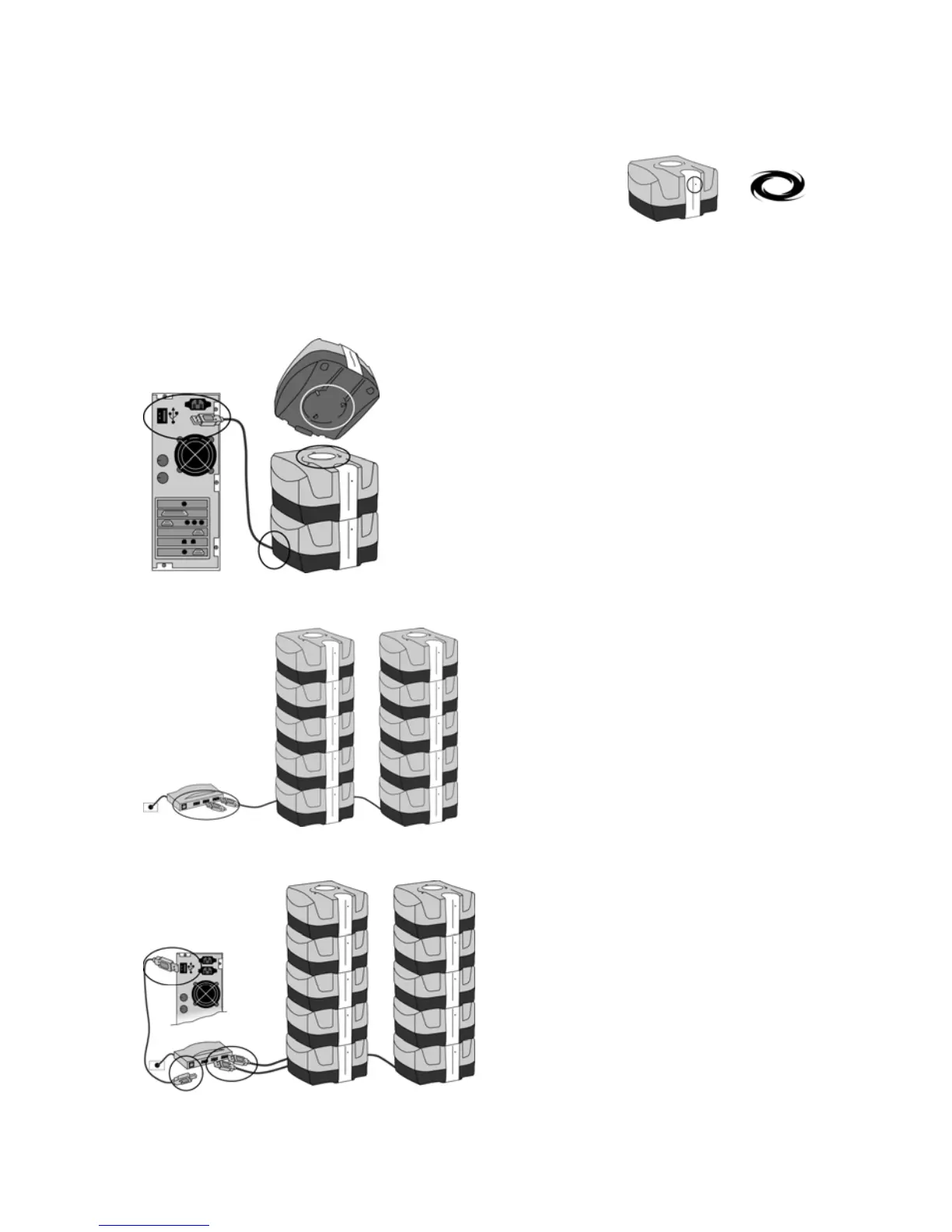
Stack up to five units to create a tower
Ensure the top unit sits flat on the bottom unit. The locators on the top and bottom of the units must engage.
Do not connect extra cables—use only one cable for one tower of Disc Stakkas.
Connect multiple towers to a powered USB hub
Connect the powered USB hub to your computer’s USB port



 To Next Page