01/16 10783331 WEB E cod.MF72...
8
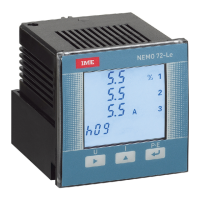
Nemo 72 Le
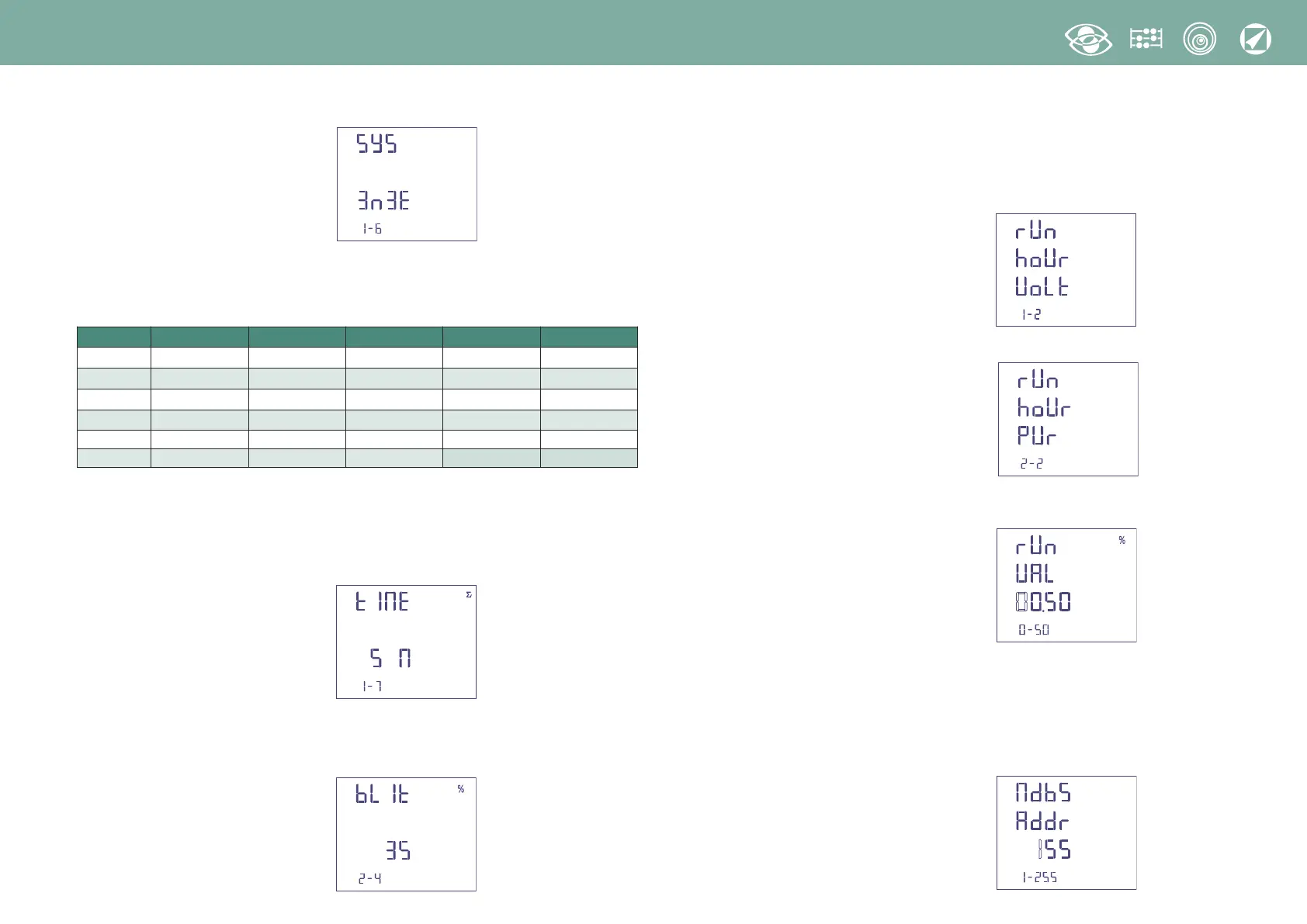
1.2 Connection
↑
selects the connection
↵
Confirms
Select the desired connection and scrupulously respect the linked wiring diagram.
The selectable wiring diagrams are:
1.3 Current delay time and average power
Selectable delay time: 5, 8, 10, 15, 20, 30, 60 minutes
The selected time is valid both for the current and the average power
↑
selects the time value
↵
confirms
1.4 Display lighting
The 4 selectable levels
(0 – 35 – 70 – 100%)
%) show the display lighting percentage
↑
selects the lighting level
↵
confirms
1.5 Run hour meter count start
Select the quantity which starts the run hour meter count: Voltage or Power.
1.5a Voltage count start
Voltage: count start with phase voltage > 20V
↑
selects voltage or current
↵
confirms
1.5b Power count start
↑
selects voltage or power
↵
confirms
Power: total active power, programmable value 0,5…50%Pn (rated power)
→
moves the cursor
↑
increases the loaded value
↵
confirms
1.6 RS485 Communication
According to the models, this meter can be without communication or equipped with
RS485 ModBus RTU / TCP or RS485 BACNET communication.
1.6a RS485 ModBus RTU / TCP Communication
Address number:: 1...255
→
moves the cursor
↑
increases the loaded value
↵
confirms
Symbol Line Load Coils Wiring Connection
1N1E Sigle-phase - 1 S 1000/251
3-1E 3-phase 3 wires Balanced 1 S 1000/447
3N1E 3-phase 4 wires Balanced 1 S 1000/448
3-2E 3-phase 3 wires Unbalanced 2 S 1000/166 Aron L1 - L3
3-3E 3-phase 3 wires Unbalanced 3 S 1000/446
3N3E 3-phase 4 wires Unbalanced 3 S 1000/164


 To Next Page