11
4
Select the programme
Tumble drying
Guidelines as to what specic
programmes can be used for:
The Auto extra dry, Auto dry and Auto normal
dry programmes have two temperature settings.
Normal temperature but also low temperature for
more delicate items.
Auto extra dry
Temperature normal. This programme is for items
that are particularly dicult to dry, such as jeans
with very thick seams.
Auto dry
Temperature normal. These programmes shut o
the heat once the load is dry but before it is bone
dry. The Auto dry programme shuts o the heat
slightly later than Auto normal dry. Use trial and
error to nd out what works best.
Auto normal dry
Temperature normal. These programmes shut o
the heat once the load is dry but before it is bone
dry. The Auto dry programme shuts o the heat
slightly later than Auto normal dry. Use trial and
error to nd out what works best.
Auto extra dry (low temperature)
Energy Save. This programme is for items that
are particularly dicult to dry, such as jeans with
very thick seams.
Auto dry (low temperature)
Energy Save. These programmes shut o the
heat once the load is dry but before it is bone
dry. The Auto dry programme shuts o the heat
slightly later than Auto normal dry. Use trial and
error to nd out what works best.
Auto normal dry (low temperature)
Energy Save. These programmes shut o the
heat once the load is dry but before it is bone
dry. The Auto dry programme shuts o the heat
slightly later than Auto normal dry. Use trial and
error to nd out what works best.
Auto Iron dry
This programme shuts o the heat once the load
is just damp enough for ironing or pressing.
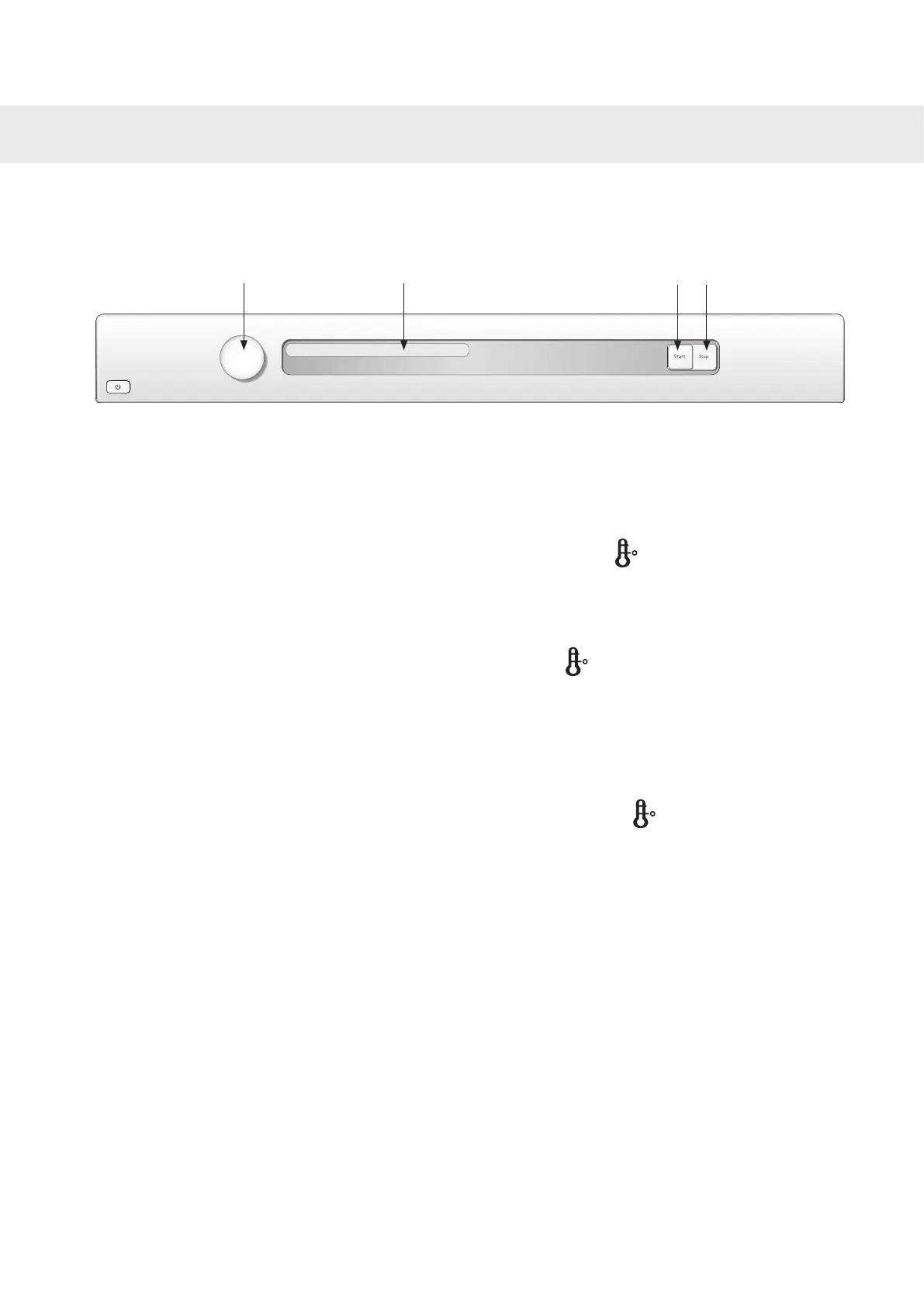
Select a programme by turning the programme selector. The selected programme is shown in the display
window.
Programme selector
Stop Start
Programme name



 To Next Page